
PlanStage 1 of 6
Find and Control Risks
- Digitised
- Your matrix, scored before and after controls.
- Runs Itself
- Reviews repeat on schedule, with an action per owner.
- AI
- Ask which risks are overdue for review, by site.
WHS & Safety Management System Software
Your procedures, running on one record. Automation does the follow-up, AI reads against your criteria, and the proof is ready when someone asks.
Incomplete Actions 27
Every failed item that became an action, and where it stands.
A safety management system is the policies, procedures, and records that show how a business manages work health and safety risk. The documents say what should happen; the records prove it did. ComplyFlow runs the procedures and keeps the proof on one record.
The Lifecycle
Six stages, round and round. Pick one to see what is digitised, what runs itself, and what the AI does.
PlanStage 1 of 6
DoStage 2 of 6
DoStage 3 of 6
CheckStage 4 of 6
CheckStage 5 of 6
ActStage 6 of 6
AI reads, drafts, and answers against criteria you set. Your people still decide.
Automation & AI, Built In
Actions, reminders, reading, and first drafts happen against rules you set. Your people make every call.
Incomplete Actions 27
Every failed item that became an action, and where it stands.
Compliance assessment
Create Course (AI)
Step 2 of 3 · review the outline, then create the course.
Outline
Which sites reported incidents this month, and what was the most serious at each?
Reading ComplyFlowlist_incidentsget_site
Three sites reported incidents in September. From your ComplyFlow record:
| Site | Incidents | Most serious |
|---|---|---|
| Marlow Point Terminal | 3 | Medical treatment |
| Greyhaven Wharf 9 | 2 | First aid |
| Wattle Creek Line | 1 | Near miss |
I can read your incidents, inspections, suppliers, workers, risks, plant, sites, and permits with the scopes on your token. This token has read scopes only, so I cannot change anything.
How It Works
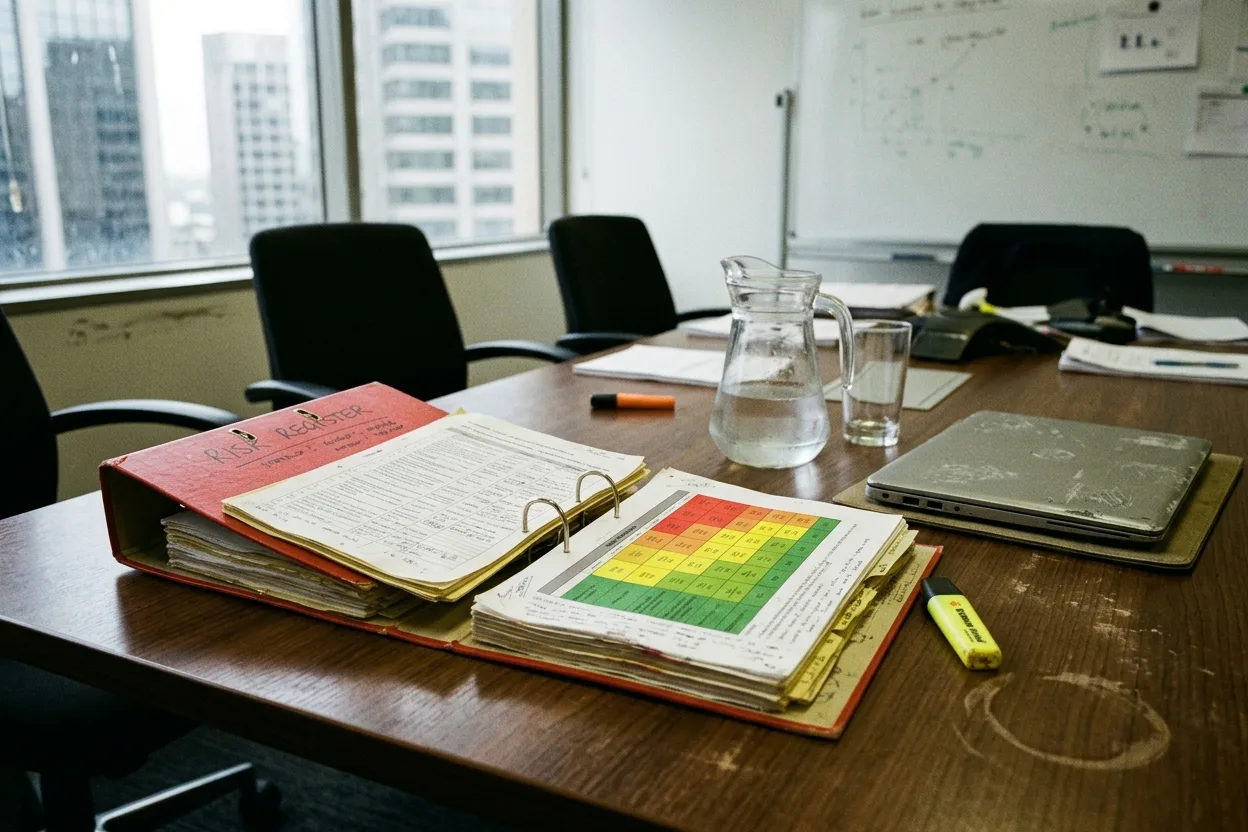
Your matrix, your sites. Each risk is scored before and after its controls, owned by a person, and put in front of them on a schedule.
Risk register
Every risk, who owns it, and how well it is controlled, across all your sites.
Your checklist on a phone, offline if there is no signal. A cross raises an action with an owner and a date, and the PDF report sends itself when the phone syncs.

The incident lands against the site and the person already on the record. Potentially notifiable ones are visible only to the group you name. That restriction is on the record only: where an incident is notifiable, the law still requires the regulator to be notified immediately after you become aware of it.
Near miss: pallet fell from mezzanine edge Pending actions
Incident 9052 · Northgate Depot · 08 Sep 2026, 2:15pm · day shift · reported 08 Sep
Corrective actions 3
Evacuation diagrams and asbestos registers each carry an owner and an expiry, and are shown to people as they sign in. Permits to work are approved on a phone.

The Whole System
Every part reads the same record, and each one opens its own page.
Who It Is For
Find your job. The card opens your role’s page.
Built for Your Industry
Every sector has its own hazards and its own proof. Pick yours.

Every building’s registers, inspections, and incidents, held to one standard.
See how
Depots and distribution centres inspected, incidents closed out.
See how
Plant, pre-starts, and training on the same record as the risks.
See how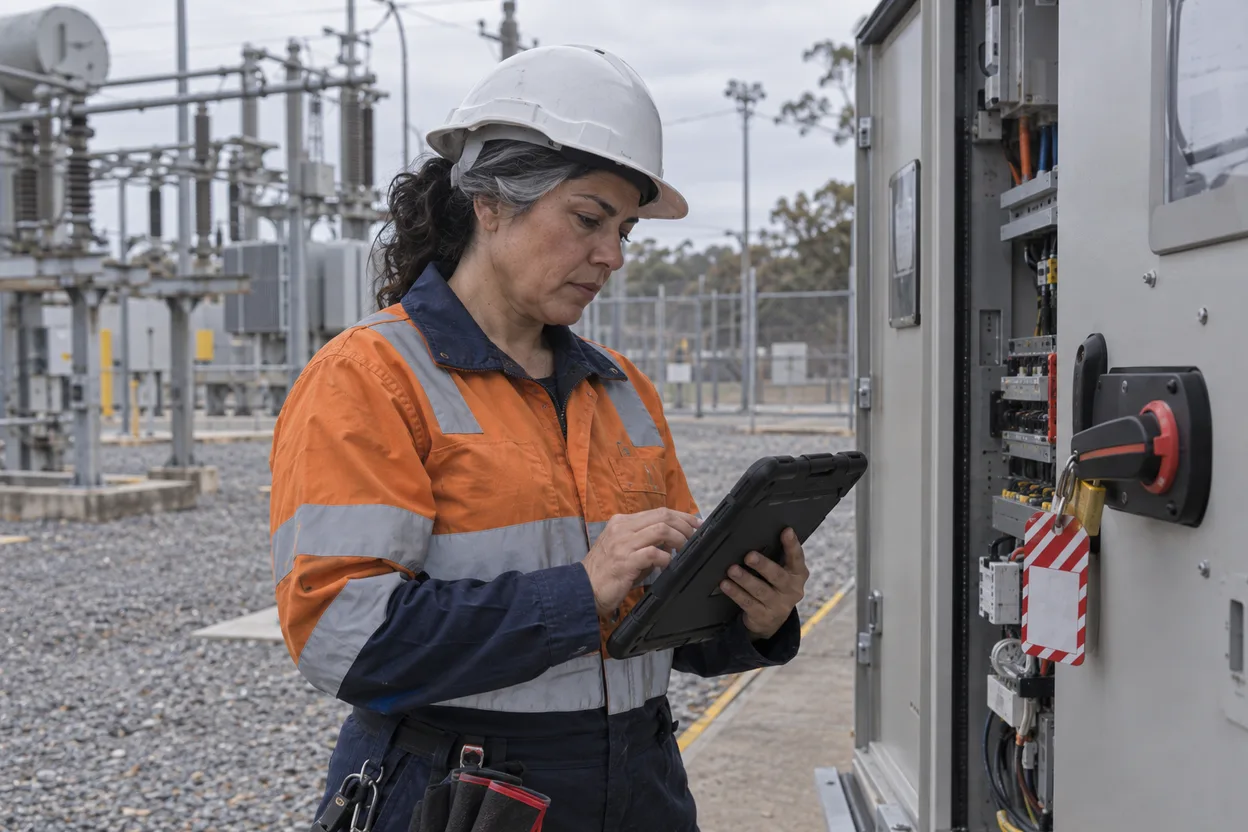
Field crews, depots, and substations: permits, risks, and incidents in one place.
See how
Incidents, inspections, and the trades working around residents.
See how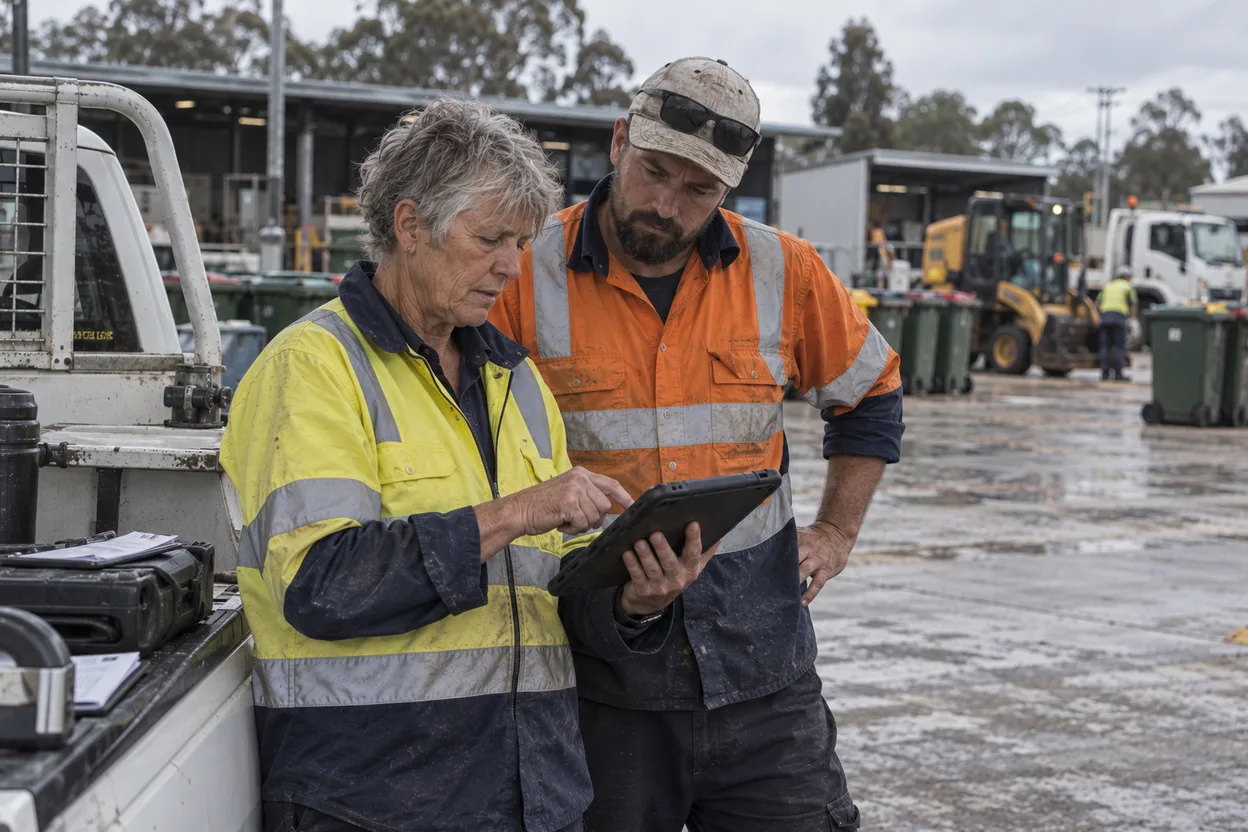
Depots, pools, libraries, and parks in one register.
See howContact Us
Describe your risk matrix, your inspections, and how an incident is reported today. Someone who has set this up before will come back to you.
A straight answer, not a brochure.
Tell us what you need and who you are.
The form loads from HubSpot. If it does not appear, the button takes you to the contact page.
Case Studies
 Property & Facilities Management
  Read the story
  Government
  Transport & Logistics
  Mining
  Education
 Guides & Reading
What a system has to hold, how to choose the software, and how AI fits.

Buying & Rollout
When a Manual Safety Management System Stops Working
A spreadsheet and a folder are genuinely fine at a certain size. Five countable tests that say your business has passed the point where they stop holding.

Buying & Rollout
How to Choose WHS Compliance Software in Australia
WHS compliance software for Australia: how to check it copes with a regulator in every state, Victoria's own Act, labour hire licensing, and onshore data.
AI & Automation
AI in Workplace Safety: Uses, Limits & the Law
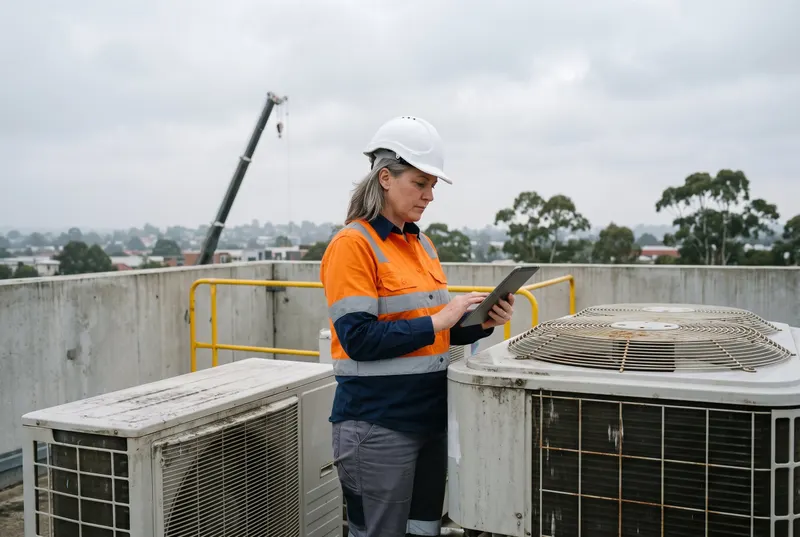
AI in workplace safety: what it does reliably, what it must never decide, and what Australian WHS law now asks of a property or FM business using it.
Questions
The policies, procedures, and records that show how a business manages work health and safety risk: how hazards are found and risks controlled, how work is inspected, how incidents are investigated, how people are trained, and how all of it is reviewed. The documents say what should happen. The records are the proof it did, and they are the part a folder of documents cannot hold.
Yes, for the purpose of choosing software. WHS is the term used in every state and territory except Victoria, which still runs on its own Occupational Health and Safety Act 2004, so OHS is the Victorian term; health and safety management system is the plain-English name. All three describe the same thing: the system that manages safety risk and keeps the evidence.
ComplyFlow is contractor management software, and the rest of your safety system runs on the same record: risks, inspections, incidents, permits, site documents, plant, and training. The contractor you prequalified is the one whose Worker is named in the incident. The contractor management software page covers that side in full.
Yes. ComplyFlow does not write your safety policy, and the AI never writes a SWMS or method statement; contractors write those and the AI reviews them against your criteria. What changes is that your procedures become the checklists, schedules, forms, and approval routes people actually use, with the record kept as they go.
No software can. Certification to AS/NZS ISO 45001:2018 comes from an audit by an independent certification body; in Australia and New Zealand, JASANZ accredits those bodies, and its register shows which are accredited. What ComplyFlow gives you is the records an auditor asks to see, in one place: risk reviews, inspection close-outs, incident actions, training records, and who approved what and when.
Yes. They stay your systems of record, and ComplyFlow holds the safety and compliance side. Maintenance work orders link to the supplier by ABN and site code, finance and HR systems connect through the REST API, and your people sign in through Microsoft or Okta.
On AWS in Australia. ComplyFlow has been ISO 27001 certified since 2019 and AWS Qualified Software since 2023. Access is set by role, and every change is logged.
Book a 30-minute demo. We will load one of your inspection checklists, run it on a phone, and follow a failed item to a closed action. No slides, no hard sell.
Compliance you can prove, instantly.