Create Free Account

Contractor Management Software for Schools & Universities

See Who Is Cleared Before They Step Onto Campus.

Contractor management software for schools and universities. Cleaners, trades, security, and builders checked against your requirements, signed in at the front office or the gate, and on one record when the auditor asks.

  • Australian Catholic University since 2015
  • ISO 27001 certified since 2019
  • Data hosted on AWS in Australia
  • Sydney-based since 2009
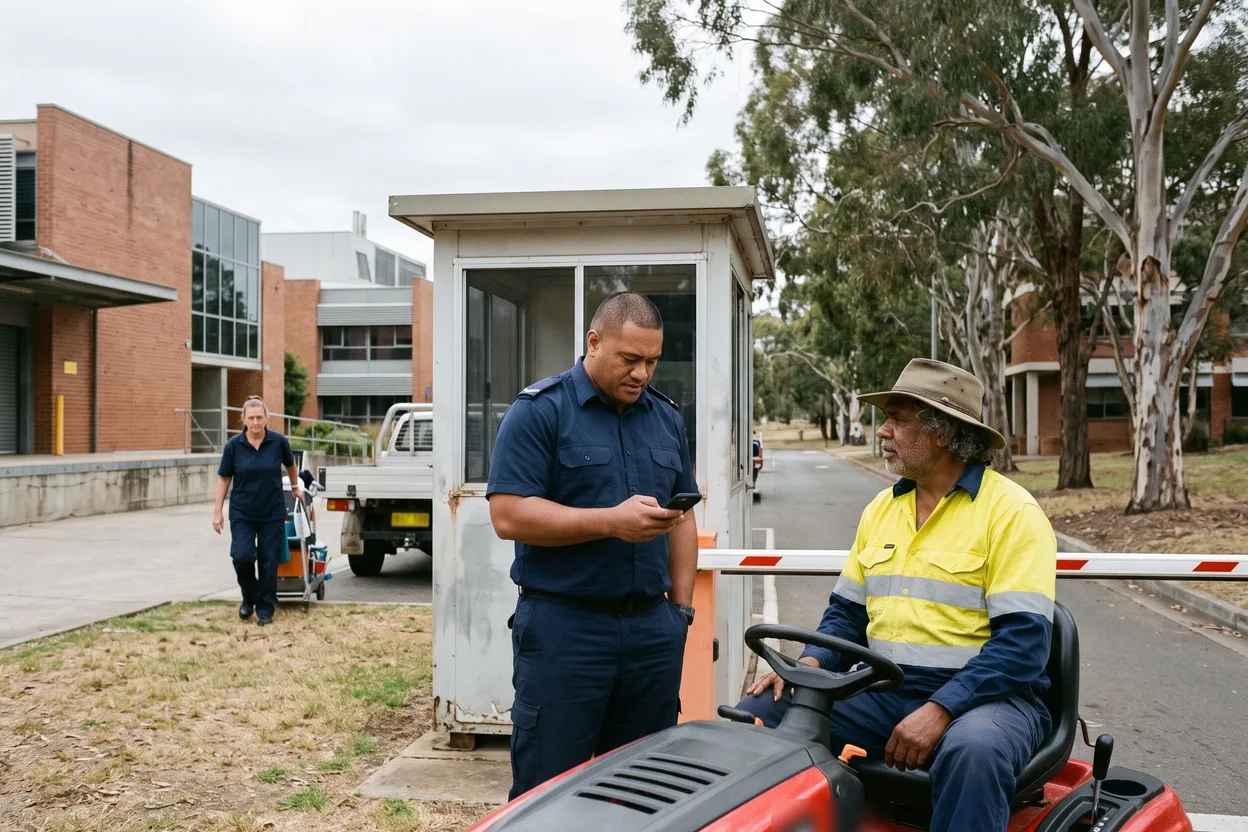
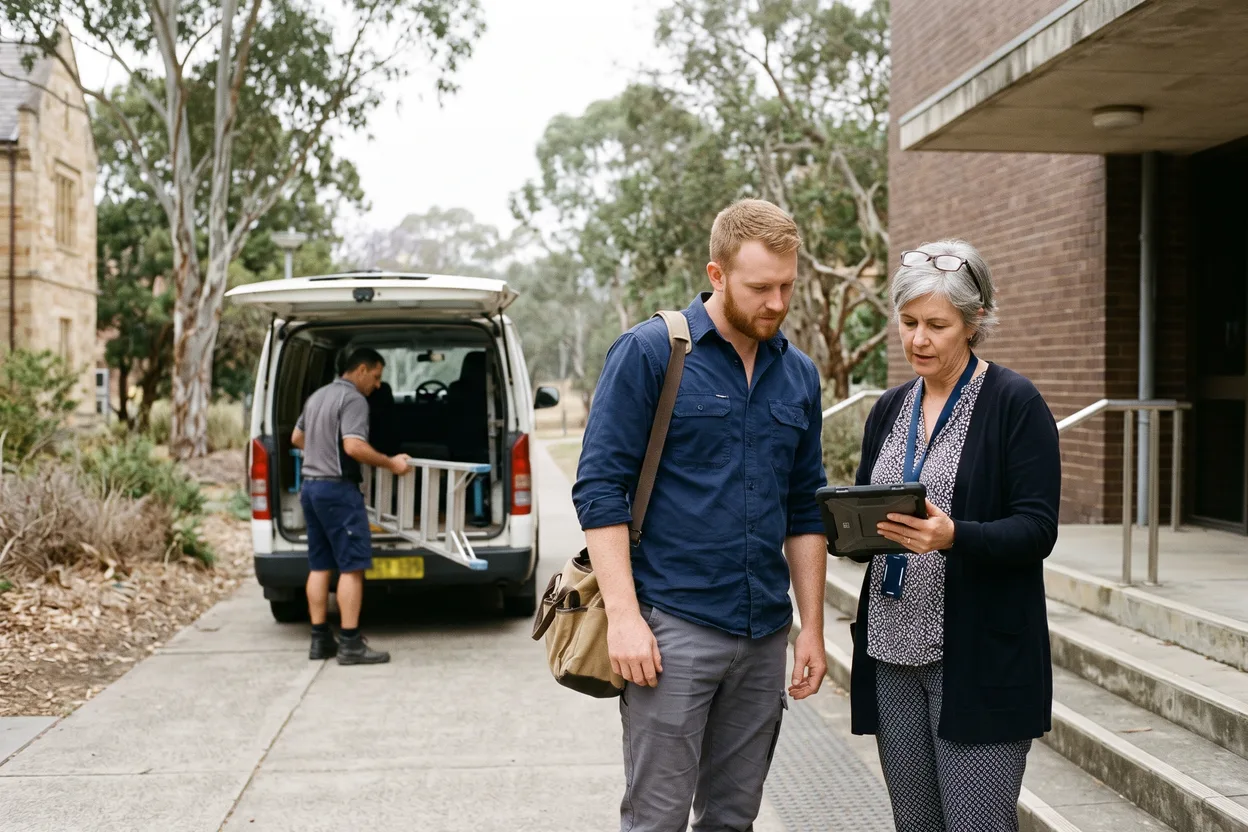
A university facilities coordinator checking a contracted electrician’s clearance on a tablet at the side entrance of a brick lecture building, a contracted HVAC technician unloading a ladder from a van behind them See who is cleared before they reach a classroom or a lab

Contractor Management for Schools & Universities.

Contractor management software for schools and universities checks every company and Worker who comes on site, before they start: insurances, licences, inductions, and the working with children check your policy requires. ComplyFlow keeps those checks, the sign-in at the front office or the gate, and every permit on one record, ready the day an auditor or a regulator asks.

  • A school and a university are never the same setup. A Catholic or independent school, a school system, and a university estate each set their own requirements, on the one record.
  • The check your policy requires, held per Worker. A working with children check set for the sites and contractor categories your policy names, with its expiry, not asked of everyone by default.
  • The asbestos register in front of the trade. In an older building, the register can be shown at sign-in, and the version each person saw is logged.
  • Sign-in that doubles as the roll call. Who is on site right now, by school or campus, for a drill or an evacuation.

Trusted by Australian Catholic University Since 2015.

ACU brought contractor management for its Facilities Management team into one system with ComplyFlow, from invitation and prequalification to inductions, document approvals, and expiry notices, integrated with its Access ID system.

  • Australian Catholic University

The Numbers

The Numbers Behind Contractor Safety in Education.

Public figures from the statisticians and regulators the sector answers to, with the date each applies.

  • 9,673 schools in Australia in 2025: 6,737 government, 1,758 Catholic, and 1,178 independent

    Every one brings cleaners, trades, and security contractors onto a site where children learn, and needs to know who was there and whether they were cleared.

    Australian Bureau of Statistics, Schools 2025, released 5 March 2026
  • 11,100 serious workers’ compensation claims from education and training in 2023-24 (preliminary), 7.6% of all serious claims

    Those are employees’ claims, not contractors’. A trade in a plant room or a ceiling space carries risks of its own, on a site you control.

    Safe Work Australia, Key Work Health and Safety Statistics Australia 2025, page 19
  • 31 Dec 2003 the construction date after which a workplace building can go without an asbestos register under the model WHS Regulations, and only if no asbestos has been identified there and none is likely to be present; Queensland uses 31 December 1989

    Many school and university buildings are older. Under the model WHS Regulations, the register must be readily accessible to workers, their health and safety representatives, and businesses that carry out or require work there, and a business whose work involves a risk of exposure to airborne asbestos must be given a copy.

    Safe Work Australia, model WHS Regulations, regulations 425 and 427, as at 5 December 2025

How It Helps

Digitised. Automated. AI-Reviewed. The Whole Contractor Lifecycle, for Schools & Universities.

Three things make ComplyFlow different for a school, a school group, or a university estate, and every job on a campus draws on all three.

  • 01

    One Record for Every School & Campus.

    From the first company check to the last sign-out: the front office, the service gate, and the capital works site all read the same record.

  • 02

    Your Procedures, Digitised & Automated.

    Your contractor categories, inductions, and site rules, set up once. Reminders, expiry dates, and approval routes then run on their own.

  • 03

    AI That Does the Reading.

    Insurance certificates and SWMS read against your criteria in seconds, reasons shown. Your people make every call.

What you do Digitise Automate AI
Prequalify a contractor company Invite by category: cleaning, electrical, HVAC, security, grounds, or capital works. They register by ABN and attach the evidence. Reminders while it is open; each section routed to the person who should judge it. Each answer and attachment read against your criteria, with the gaps shown before you open the file.
Clear each Worker for the site One profile per Worker: licences, tickets, and the working with children check, where your policy requires one. Assign a Worker to a site and its requirements apply; the status turns the day a document lapses. Licences and tickets checked as they are uploaded.
Induct them before the first visit Your school or campus induction on the Worker’s phone, before they arrive. Assigned by category or site; a due site induction runs at sign-in. An induction drafted from your own procedures, for you to edit and publish.
Sign in at the front office or the gate A QR code at reception, a service gate, or a building entrance replaces the sign-in book. Anyone short is flagged at the scan; stopped where the site is set up that way. Ask your AI assistant who was on a campus on a given day, via MCP.
Permit capital works and high-risk jobs Hot works, heights, and ceiling-space permits raised on a phone. Routed to your authoriser; it cannot be approved with a section missing. The SWMS behind the permit read against your standard before approval.
Answer the auditor or the board Every check, approval, induction, and sign-in kept per site, with a name and a time. Scheduled reports and live completion rates into Power BI. Ask in plain English through ChatGPT, Claude, or Copilot; the answer comes from the record.

AI reads, drafts, and answers against criteria you set. Your facilities, WHS, and business teams make every call.

Who It Is For

What ComplyFlow Means for Me, in a School or a University.

Find your job. Three lines show what changes for you; the card opens your role’s own page where there is one.

Features You’ll Love

The Jobs School & University Teams Do Every Week.

Four jobs a school front office or a university estate team does every week, and what changes when they all run off one record.

Sign In at the Front Office or the Service Gate.

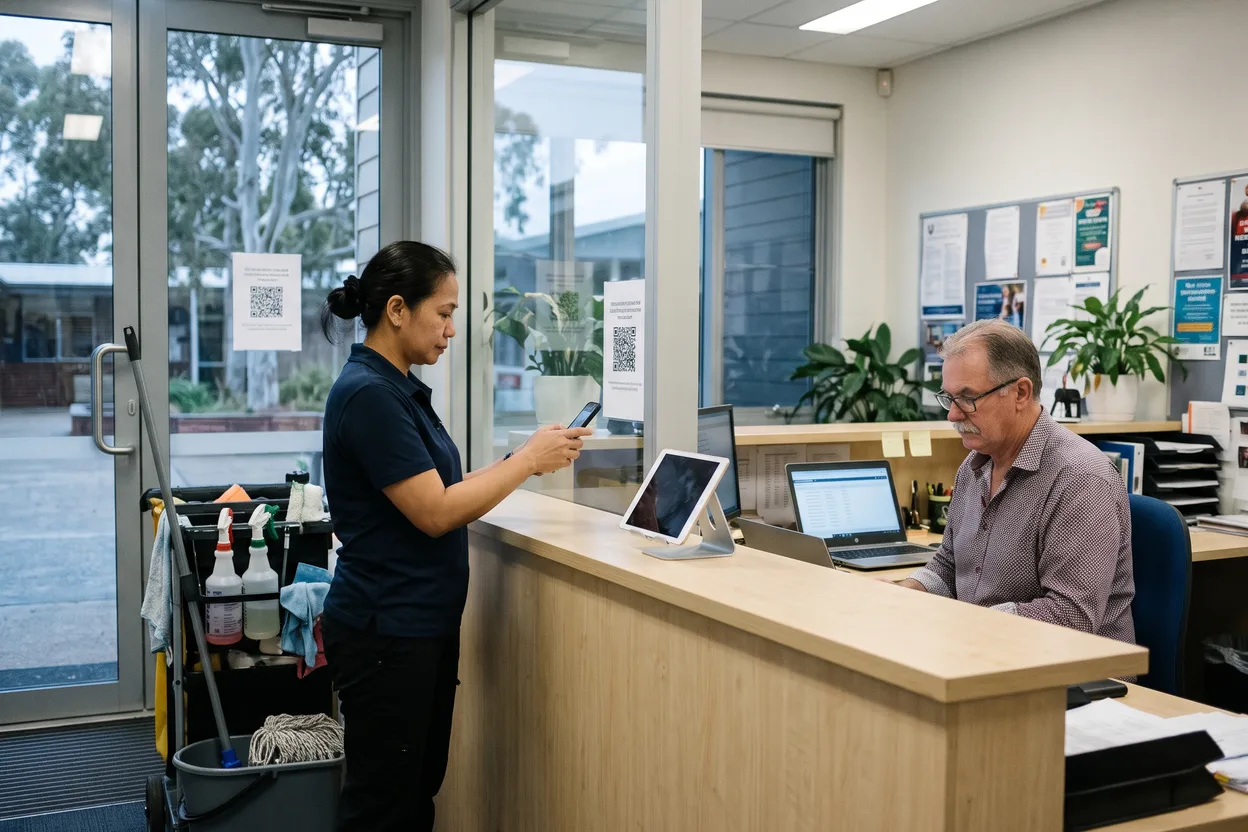
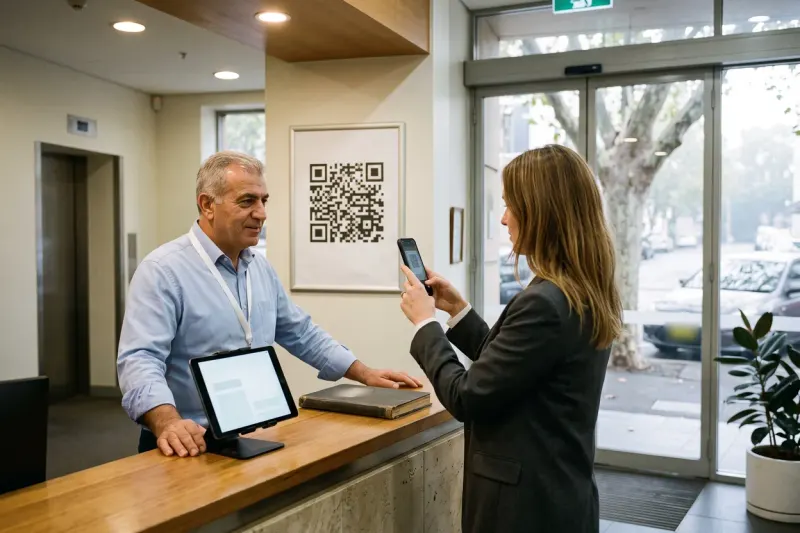
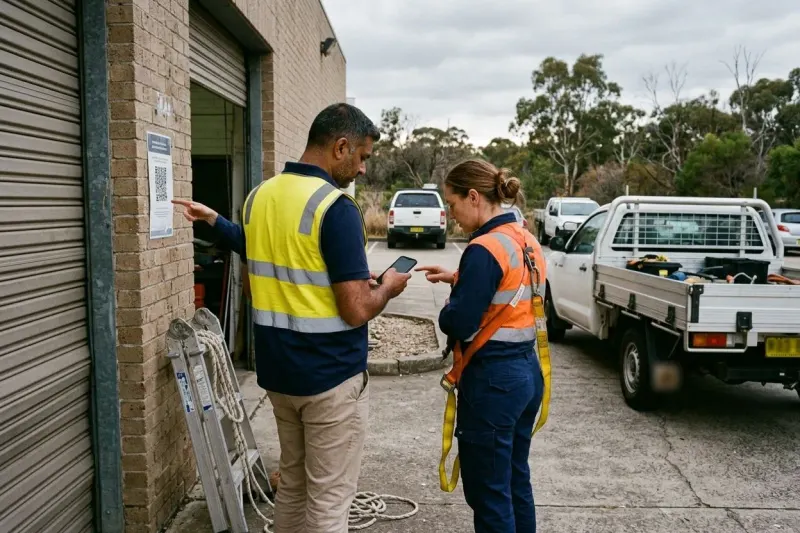
A cleaner on the early shift scans the QR code at the front office with her own phone. The record is read at the scan, anyone short is flagged on the spot, and the business manager sees who is on site right now. Where a site is set up that way, a Worker who is not cleared is stopped rather than only flagged.

  • No hardware: a phone camera or a reception tablet
  • Your conditions of entry, such as a child safe code of conduct, ticked before sign-in completes
  • A live list for drills and evacuations
A contract cleaner scanning a QR code sign-in notice with her phone at the front office of an independent school before the day starts, the business manager at a laptop behind the counter

Hold the Check Your Policy Requires, Per Worker.

Whether a contractor needs a working with children check depends on your state or territory and the work they do. Set it as a requirement for the sites and contractor categories your policy names, and each Worker holds the check on their own profile, with its expiry and a reminder before it lapses.

  • Required by site or by category, not forced on everyone
  • A reminder before a check or licence expires
  • Licences, tickets, and inductions on the same profile

Put the Asbestos Register in Front of the Trade.

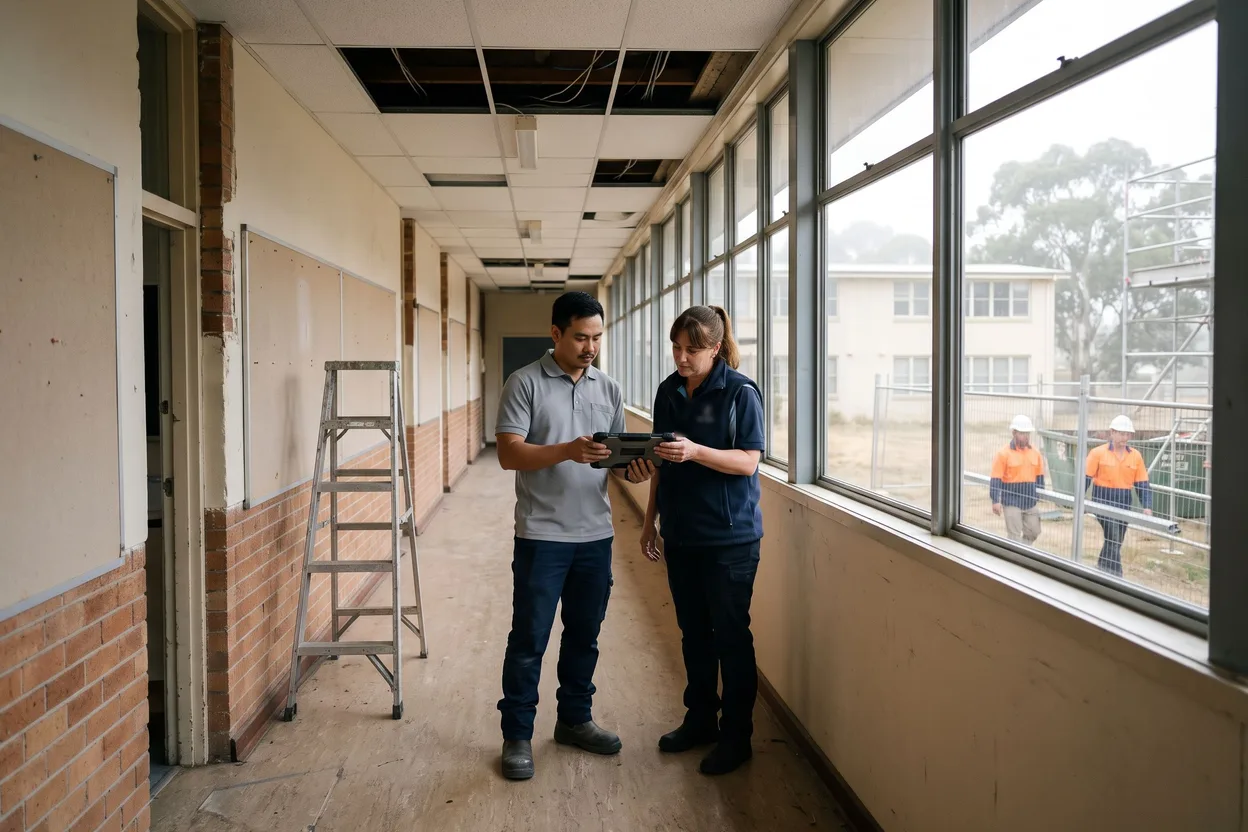
In an older building, the register is uploaded against the site with its version and expiry date, and stays hidden from contractors until you choose to show it. Set it to display at sign-in and each Worker sees it as the last step, with what they were shown logged in the Sign In Book export. That log does not replace sending the register to the contractor’s business with the work order. Our asbestos register guide sets out who gets a copy.

  • A new version supersedes the old
  • Expiring Soon flagged 90 days ahead, with a monthly email
  • The version each person saw, logged at sign-in
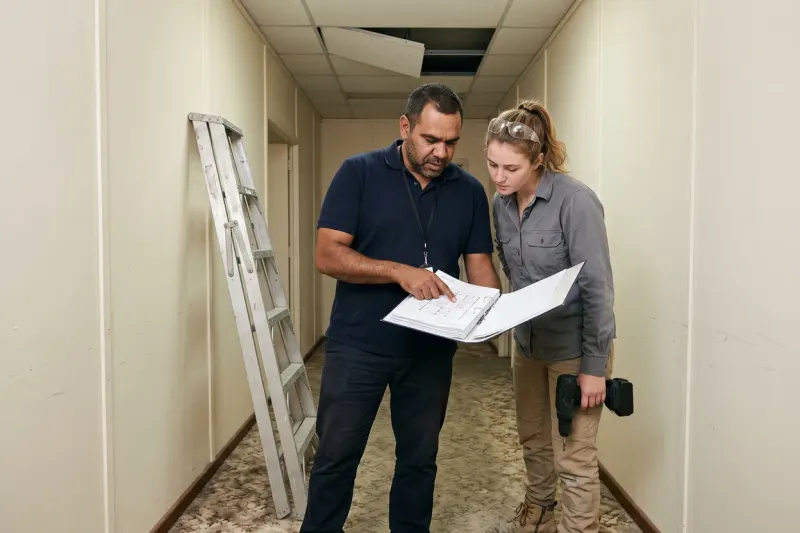
A contracted HVAC technician and a school facilities manager reading the asbestos register on a tablet in the corridor of an older classroom block during the holidays, ceiling tiles lifted and builders in hi-vis passing the scaffold outside

Permit Capital Works & High-Risk Jobs.

Ceiling-space access, hot works in a workshop, or a builder’s lift on a holiday project: the permit is raised on a phone, the SWMS behind it is read against your standard, your authoriser approves it, and it closes with a record of who signed what and when.

  • It cannot be approved with a section missing
  • Routed to facilities, WHS, or the project lead
  • Every permit kept, searchable, for the audit

Contact Us

Tell Us How Contractors Get On Site Today. We Will Show You One Record.

Describe your schools or campuses, your contractor categories, and who signs a contractor off. Someone who has set this up for a multi-campus university will come back to you.

  • How your requirements transfer, school by school or campus by campus
  • A contractor followed from invitation to sign-in
  • What your contractors see, and how they register once
Book a Demo Instead

A straight answer from someone who has set this up before, not a brochure.

Send Us a Message

Tell us what you need and who you are.

Send Message

The form loads from HubSpot. If it does not appear, the button takes you to the contact page.

The Numbers You Run On

The KPIs School & University Teams Report, and Where Each One Comes From.

The measures an auditor, a board, or a governing body asks for.

Reads from names the ComplyFlow record each measure is read from. The targets are yours.

  1. Contractor document currency

    Share of contractors whose insurances and licences are in date, by school or campus

    Reads fromThe document record, by company and Worker

  2. Working with children check coverage

    Whether every Worker your policy names holds a current check

    Reads fromThe requirement set per site and category

  3. Induction before the first visit

    How many contractors finished the induction before they arrived

    Reads fromInduction records, by site and date

  4. Uncleared sign-in attempts

    How often someone arrives without a current document or induction

    Reads fromEvery flag at the scan, with its reason

  5. Permit close-out time

    How long work stays open after the permit should have closed

    Reads fromPermit raised, approved, and closed, with a time

  6. Asbestos register currency

    Whether each older building’s register is inside its review date

    Reads fromSite documents with their expiry dates

Fits Your Systems

Slots Into the Systems Schools & Universities Already Run.

Read it left to right: where people and work arrive, the one record that checks them, and where the proof goes.

Where people and work arrive

QR codes & tablets at reception and the gateContractors and visitors scan in on their own phone or your tablet built in
CMMS & work ordersSystems such as IBM Maximo raise the work order; the record clears the contractor
Access card & ID systemsACU integrated ComplyFlow with its Access ID system: approvals routed to the right person, and the result carried to the access system
Purchase orders & financeContractors matched by ABN; your finance system stays the system of record
Microsoft & Okta sign-onYour people log in the way they already do SSO
Integrate any existing system and hardwareIf it has an API, it belongs on this drawing: access control, CMMS, ERP, identity, BI Universal
PrequalificationWorkforce ComplianceTraining & InductionSite AccessVisitor Sign-InSite DocumentsDigital PermitsInspections & AuditsPlant & EquipmentIncident ManagementRisk Management ComplyFlow. One Record.

Where the proof goes

Dashboards you already useCompliance by school, by campus, or by contractor, in Power BI
The audit exportEvery check, approval, induction, and sign-in, with a name and a time
AI assistants via MCPAsk ChatGPT, Claude, or Copilot who was on a campus, and when MCP
Legislation MonitorWhen a WHS Act, Regulation, or Code of Practice changes for your state, you hear about it
Email and mobile alertsThe people who need to act hear about it where they already are Real-time

Sign-on, the QR sign-in, and the Legislation Monitor are ComplyFlow’s own. Everything else connects through the open API and MCP, so if a system in your stack has an API, it belongs on this drawing.

The Lifecycle

The Full Contractor Lifecycle, on One Record.

Contractor management is not one check. It runs from the first company check to the last incident report, and every stage below reads the same record. Each one opens its own page.

PrequalificationWorkforce ComplianceTraining & InductionSite AccessVisitor Sign-InSite DocumentsDigital PermitsInspections & AuditsPlant & EquipmentIncident ManagementRisk Management Full Lifecycle. One Record.
  1. 01 Prequalification Check a contractor company is safe to work with before you hire them: insurances, licences, safety record. AIDigitise
  2. 02 Workforce Compliance Keep every Worker’s licences and tickets current, with a reminder before anything lapses. AIAutomate
  3. 03 Training & Induction Workers do your site induction online, on their phone, before they turn up. AIDigitise
  4. 04 Site Access People sign in at the gate with a QR code. If they are not cleared, you know straight away. AutomateDigitise
  5. 05 Visitor Sign-In Visitors sign in the same way, see the site rules, and sign out when they leave. AutomateDigitise
  6. 06 Site Documents Every safety document for every site, in one place, visible to the people who need it. Digitise
  7. 07 Digital Permits Permits to work raised, approved, and closed on a phone instead of a clipboard. AIDigitise
  8. 08 Inspections & Audits Do inspections on a phone, with photos, and turn every failed item into an action someone owns. AIAutomateDigitise
  9. 09 Plant & Equipment Know every machine on site is registered, inspected, and safe to use. Digitise
  10. 10 Incident Management Report an incident in minutes, from anywhere, and track what gets done about it. AutomateDigitise
  11. 11 Risk Management A live register of your risks, who owns each one, and how well it is controlled. Digitise

See All Solutions

Free From ComplyFlow

Free Tools for School & University Teams.

Chain check · About 3 minutes

See Where Your Contractor Chain Breaks

  • 8 real scenarios, one for each link from company to site
  • Your chain on screen straight away, no sign-up
  • Every link marked Holds, Gaps, Weak, or Breaks
  • What good looks like at each weak link
Start the Chain Check

RFP Builder · About 10 minutes

Build an Unbiased RFP

  • Every section a contractor management RFP needs
  • Must, Should, or Could on every requirement
  • Evaluation weights, a demo scenario, and your timeline
  • A Word document, ready to send to every vendor
Build My RFP

Why ComplyFlow

Why Schools & Universities Choose ComplyFlow, Not Another Point Solution.

Most schools and universities run a front-office sign-in app, a contractor list, and a spreadsheet. Each does one job, and compliance fails in the gaps between them.

School visitor sign-in appsOne job: the front office, not the record behind itPrequalification networksThe contractor pays to be listed; you draw from the poolSpreadsheets & the sign-in bookFree, and relies on every front office keeping it up ComplyFlowOne record, your standard
One record from the company to the Worker to the site Not therePartlyNot thereCompany, Worker, site, and permit on the same record
Your requirements, set per school or campus PartlyNot thereBuilt inSet once, with extra requirements per site
Sign-in that checks the paperwork at the scan PartlyNot thereNot thereFlagged at the scan; stopped where the site is set up that way
The asbestos register shown at sign-in, and logged PartlyNot thereNot thereShown as the last step where you set it up; the version each person saw, logged
Permits with the SWMS read against your rules Not thereNot thereNot thereAI reads it; your authoriser approves it
Open API and MCP into your CMMS, access, and AI tools PartlyPartlyNot therePower BI, your CMMS, and ChatGPT, Claude, or Copilot

This compares kinds of product, by how they are sold, not named vendors. Named comparisons, with dates and sources, live on the comparison pages.

Getting Started

We Set Up Your Sites. We Stay With You.

You are not handed a login and left to it. Our onboarding team builds your schools or campuses with you, brings your contractor panel across, and stays on hand once the first site is live.

  • Mitchell Bourne, ComplyFlow
  • Jessica Morgan, ComplyFlow
  • Sam Bourne, ComplyFlow
  • Phil Wallach, ComplyFlow
  • John McCann, ComplyFlow
  1. 1 We Map Your Sites & Requirements

    Every school, campus, or building, and what you need from a contractor before they can enter: insurances, licences, inductions, the checks your policy names, and permits.

  2. 2 We Load Your Contractor Panel

    We invite your cleaners, trades, security, and builders to register and upload their documents, and answer their questions so your team does not have to.

  3. 3 We Put Sign-In at Every Front Office & Gate

    QR codes and tablets where contractors and visitors arrive, tested before anyone relies on them.

  4. 4 You Go Live, We Stay Close

    Training for your team, written guides for everyone, and a support team that picks up the phone.

  • ISO 27001 certified ISO 27001Certified 2019
  • AWS Qualified Software Certified 2023
  • GDPR, General Data Protection Regulation Since 2020
  • Microsoft Okta Single sign-on

Security & Data

Certified, Audited & Hosted in Australia.

Your compliance record is the evidence you rely on when somebody asks, so where it lives and who can reach it matters. ComplyFlow is ISO 27001 certified, runs on AWS in Australia, and your people sign in with the accounts they already have.

Guides & Reading

Running Contractors on a School or a Campus.

The asbestos register, the move off the paper sign-in book, inductions online, sharing duties with other businesses on site, and writing the requirements for a tender.

Questions

Questions Schools & Universities Ask Before They Book a Demo.

What is contractor management software for schools and universities?

Software that checks every contractor company and Worker who comes onto a school or campus, before they start: insurances, licences, inductions, and any working with children check your policy requires. It keeps the sign-in, the permits, and the audit trail on the same record. ComplyFlow is Sydney-based contractor management software, with data hosted in Australia, used by Australian Catholic University since 2015.

Do contractors on school sites need a working with children check?

It depends on the state or territory and on the work. Checks run under state and territory laws, and the rules on who needs one differ. In Queensland, school work that is not directed towards children and allows no more than incidental contact with them is not regulated employment; in Victoria, occasional direct contact with children that is incidental to the work does not on its own make the work child-related. Your school or university policy may also ask for more than the law does. In ComplyFlow you set the check as a requirement for the sites and contractor categories your policy names, and each Worker’s check is held with its expiry.

What WHS duties does a school or university have to contractors?

Under the model WHS Act, running a school or university is a business or undertaking, and whoever conducts it is a person conducting a business or undertaking (PCBU), whether or not for profit: a university, the body that runs a non-government school, or for a government school the state, whose education department may be named as the responsible agency. A contractor and the contractor’s employees are workers when they carry out work for it, and it must ensure, so far as is reasonably practicable, their health and safety while they are at work in its business or undertaking, and that other people, such as students, are not put at risk by that work. Where more than one person has a duty in relation to the same matter, each must, so far as is reasonably practicable, consult, cooperate, and coordinate activities with the others. Victoria’s OHS Act sets its own duties. What a PCBU is responsible for sets it out.

Do older school and university buildings need an asbestos register?

Under the model WHS Regulations, a workplace needs no register only if the building was constructed after 31 December 2003, no asbestos has been identified, and none is likely to be present. Queensland uses 31 December 1989, and Victoria has no date test. Under the model Regulations, the register must be readily accessible to workers, their health and safety representatives, and businesses that carry out or require work there, and a business whose work involves a risk of exposure to airborne asbestos must be given a copy; Victoria’s access rules differ. Our asbestos register guide covers who gets it and when.

Can each school or campus set its own requirements?

Yes. Requirements sit at the organisation level with extras per site: a boarding house, a science lab, or a capital works zone can each ask for more. A contractor uploads their documents once, and each site measures them against its own list.

Does it connect to our access card, CMMS, and finance systems?

Yes, through the open API. Those systems stay your systems of record. Australian Catholic University integrated ComplyFlow with its Access ID system, its help desk, and its purchase order systems.

Is our data held in Australia, and does it support single sign-on?

ISO 27001 certified since 2019

Will our contractors actually use it?

They register once by ABN, add their Workers, and keep one profile for every Client on ComplyFlow, with a reminder before anything expires. A cleaner who works for two schools on ComplyFlow registers once. Will our subcontractors use it? answers the question in full.

How does ComplyFlow compare with other contractor management software?

A school visitor app signs people in; a prequalification network checks companies against its own standard. ComplyFlow checks against your standard, then carries the result to each Worker, each site, and each permit, with AI reading documents against your criteria and your people deciding. The comparison pages set ComplyFlow beside named products, with dates and sources, and AI in ComplyFlow shows what the AI reads.

Can we try it before we book a demo?

Yes. Create a free account and look at the product yourself, with no credit card required. Or book a 30-minute demo and we will set it up against one of your own schools or campuses.

Compliance fails in the gaps between systems. We don’t have any.

Book a 30-minute demo. We will set up one of your schools or campuses, invite a contractor, and follow one Worker from upload to sign-in. No slides, no hard sell.