Create Free Account

Visitor Management System

Every Visitor & Contractor, Signed In on One Record.

A QR code at the door or a tablet at reception. Visitors read your rules and their host is texted; contractors are checked as they scan. Everyone lands on one live list.

  • ISO 27001 certified since 2019
  • AWS Qualified Software since 2023
  • Data hosted on AWS in Australia
  • Sydney-based since 2009
  • Australia & New Zealand
Visitors, contractors, and staff on the same live list

What a Visitor Management System Is.

A visitor management system records who comes onto your site, when, who they came to see, and what they were shown. ComplyFlow signs visitors and contractors in on one record: QR code or kiosk, the host told, the contractor’s induction and licences checked, and everyone on one live list.

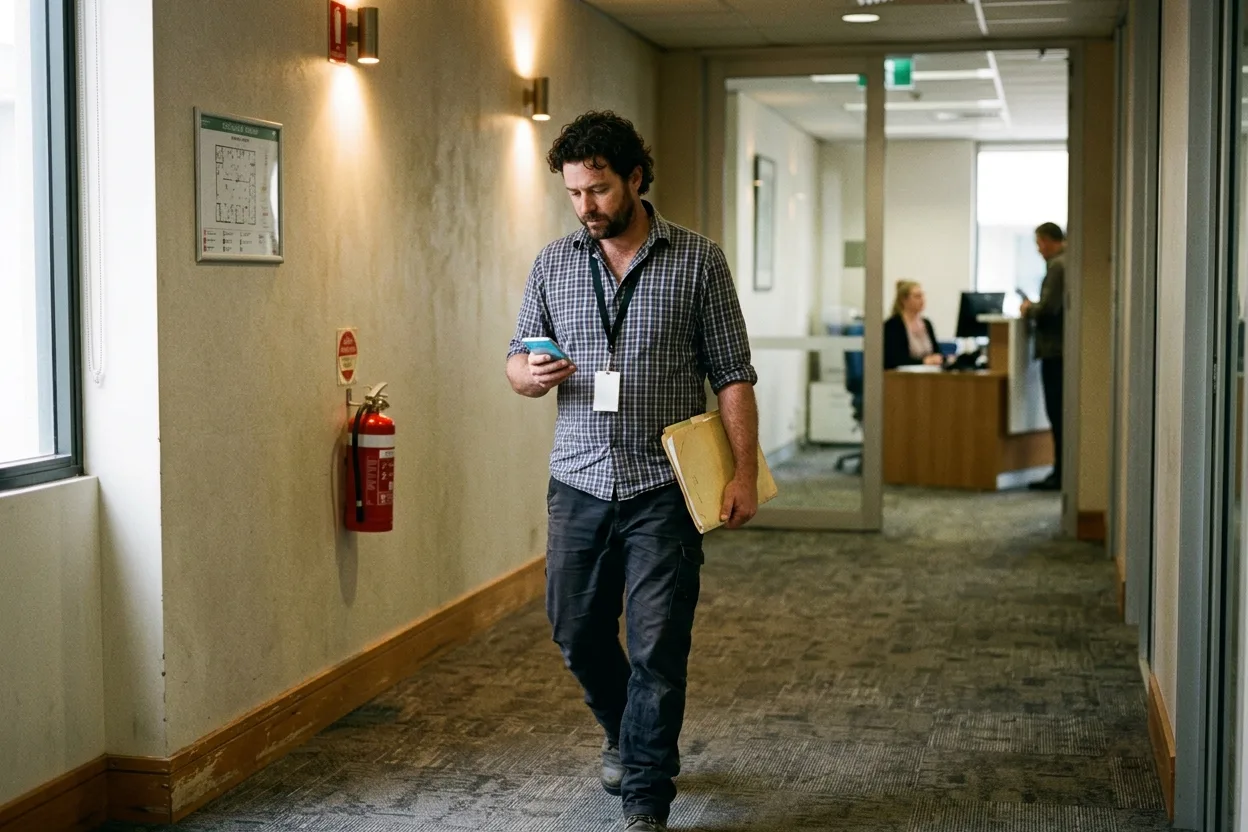
A visitor wearing a lanyard walks along an office corridor, checking his phone, an evacuation diagram and a fire extinguisher on the wall behind him

The Lifecycle

Your Front Door Is a Loop. One Record Runs It.

Six stages, every visit. Pick one to see what is digitised, what runs itself, and what the AI does.

Doors Visitors Rules Contractors Roll Call Proof One Door. One Record.

PlanStage 1 of 6

Set Up Each Door

Digitised
A sign-in point per gate or reception, with its own QR code and switches.
Runs Itself
Your induction, entry conditions, and documents run at every scan.
AI
Ask which points still let visitors in without SMS verification.
DoStage 2 of 6

Welcome a Visitor

Digitised
A QR code on their own phone, or the kiosk on the counter.
Runs Itself
Returning visitors pre-filled; the host texted and emailed.
AI
Ask who is visiting today and who they are here to see.

DoStage 3 of 6

Show the Rules

Digitised
Inductions, entry conditions, and hazards as screens on the phone.
Runs Itself
Nothing continues until every box is ticked, and every tick is logged.
AI
A site induction drafted from your own material, for you to edit.

CheckStage 4 of 6

Check Every Contractor

Digitised
Induction, licences, insurance, and permit read at the scan.
Runs Itself
Anyone short is flagged on the spot and on the live list.
AI
Insurance and SWMS read against your criteria before the first scan.

CheckStage 5 of 6

Account for Everyone

Digitised
Visitors, contractors, and staff on one live list and map.
Runs Itself
One SMS to everyone on a site; a lone Worker’s overrun alerts the supervisor.
AI
Ask how many people are inside a site right now.

ActStage 6 of 6

Prove Who Was There

Digitised
Every sign-in, with the rules viewed and documents shown.
Runs Itself
A PDF per site; the sign-in book by project through the REST API.
AI
Ask through ChatGPT, Claude, or Copilot; the answer comes from the record.

AI reads, drafts, and answers against criteria you set. Your people still decide.

Automation & AI, Built In

The Front Door Runs Itself, With AI Doing the Reading.

Checks, host alerts, and reading happen against rules you set. Your people make every call.

See the AI Tools

Your people make the call

How It Works

The Door Checks. The Record Proves It.

Everyone Inside, on One Live List.

Visitors, contractors, and staff across every site, with the company they work for and whether the gate cleared them. One SMS reaches everyone inside, and the list is the roll call when the alarm goes.

Reception, Without a Receptionist.

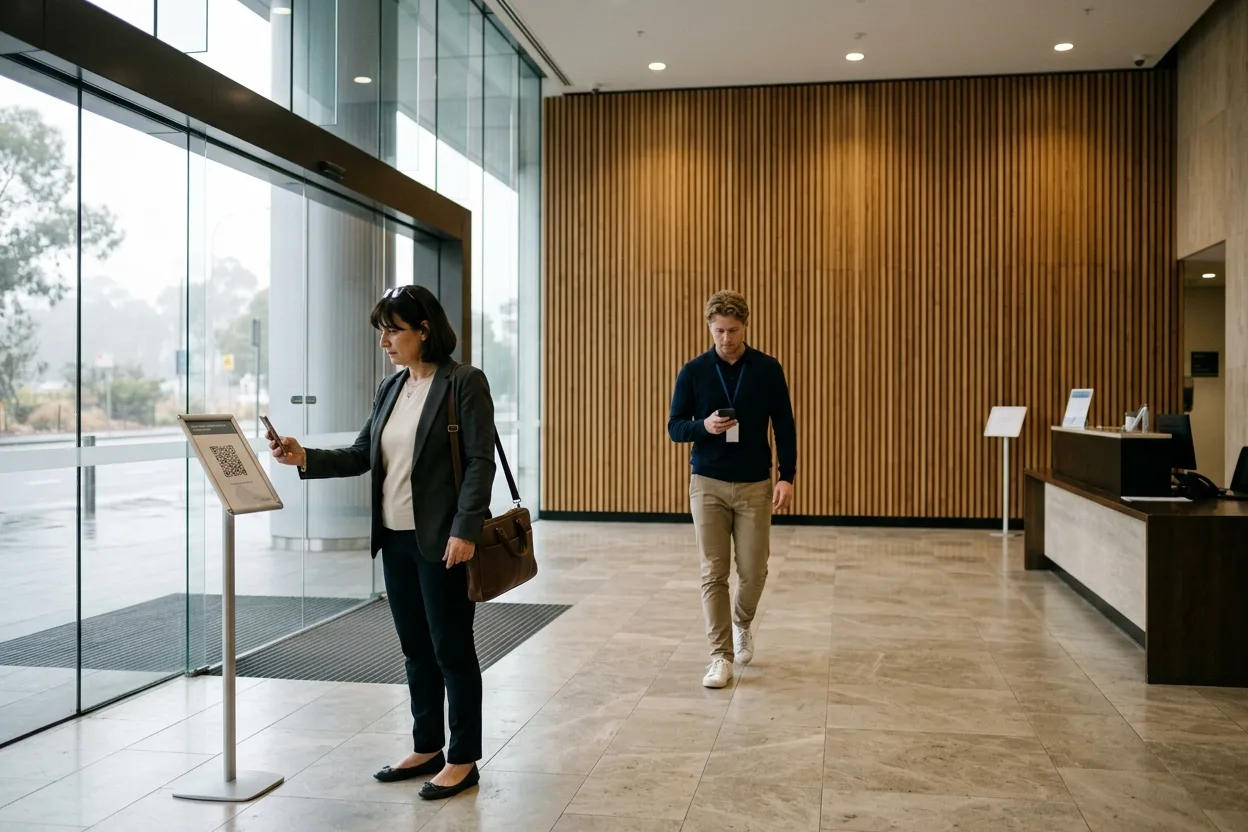
A QR code at the lobby door or a tablet on the counter. Returning visitors pre-fill, the person they are here to see gets a text, and sign-out is the same number on the way past. No app, no account.

A visitor in a commercial office tower lobby scanning the QR sign-in code on a stand with her phone, while the building’s facilities coordinator crosses the lobby to meet her

Each Door, Set Up for Who Comes Through It.

A sign-in point is a name, a geofence, a QR code, and a set of switches: which induction runs, which conditions are ticked, which documents are shown, and whether visitors may sign in at all. Reception says yes; the plant room says no.

The Contractor at the Door Is the One You Cleared.

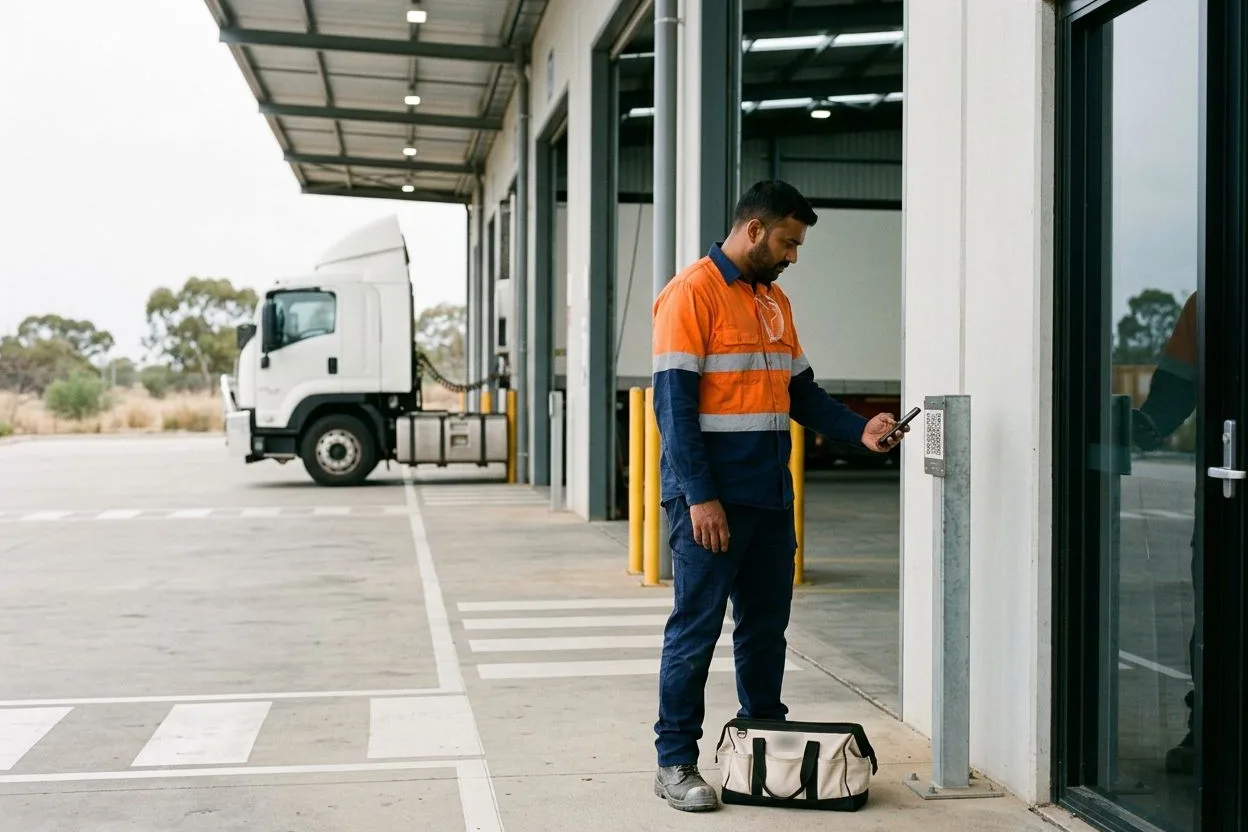
The fitter or the courier scans the QR code at the dock office. Their induction, licences, insurance, and permit are read against the record your approvers set, and anyone short is flagged on the spot.

A contract forklift technician in hi-vis scanning the QR sign-in code beside the dock office door of a distribution centre with his phone, a toolbag at his feet and loading docks behind him

The Whole System

The Front Door Reads the Whole Record.

A sign-in is where every other part of the record shows up. Each part below opens its own page.

PrequalificationWorkforce ComplianceTraining & InductionSite AccessVisitor Sign-InSite DocumentsDigital PermitsInspections & AuditsPlant & EquipmentIncident ManagementRisk Management Every Door. One Record.
  1. 01 Prequalification Check a contractor company is safe to work with before you hire them: insurances, licences, safety record. AIDigitise
  2. 02 Workforce Compliance Keep every Worker’s licences and tickets current, with a reminder before anything lapses. AIAutomate
  3. 03 Training & Induction Workers do your site induction online, on their phone, before they turn up. AIDigitise
  4. 04 Site Access People sign in at the gate with a QR code. If they are not cleared, you know straight away. AutomateDigitise
  5. 05 Visitor Sign-In Visitors sign in the same way, see the site rules, and sign out when they leave. AutomateDigitise
  6. 06 Site Documents Every safety document for every site, in one place, visible to the people who need it. Digitise
  7. 07 Digital Permits Permits to work raised, approved, and closed on a phone instead of a clipboard. AIDigitise
  8. 08 Inspections & Audits Do inspections on a phone, with photos, and turn every failed item into an action someone owns. AIAutomateDigitise
  9. 09 Plant & Equipment Know every machine on site is registered, inspected, and safe to use. Digitise
  10. 10 Incident Management Report an incident in minutes, from anywhere, and track what gets done about it. AutomateDigitise
  11. 11 Risk Management A live register of your risks, who owns each one, and how well it is controlled. Digitise

See All Solutions

Contact Us

Tell Us How People Arrive Now. We Will Show You One List.

Describe your receptions, your gates, and how people sign in today. Someone who has set this up for towers, depots, and plants will come back to you.

  • How your sign-in points, inductions, and rules transfer
  • One visitor and one contractor followed from the door to the book
  • Where AI reads and drafts, and where your people decide
Book a Demo Instead

A straight answer, not a brochure.

Send Us a Message

Tell us what you need and who you are.

Send Message

The form loads from HubSpot. If it does not appear, the button takes you to the contact page.

Questions

Questions People Ask About Visitor Management Systems.

What is a visitor management system?

Software that records who comes onto your site, when, who they came to see, and what they were shown before they went in. It replaces the paper book on the counter: visitors sign themselves in on a tablet or their own phone, the host is told, and there is a list of everyone inside when you need one.

What is the difference between visitor management and site access?

Visitor management looks after people who are not there to work: the client, the auditor, the prospective tenant. Site access covers people who are: contractors and staff, checked against their induction, licences, and permits as they come in. When the two sit in separate systems, a contractor can sign in as a visitor and skip the checks. ComplyFlow runs both from the same sign-in point, onto the same list.

Is a visitor sign-in book a legal requirement?

Not by name. The model WHS Act and Regulations do not mention one, and neither do the Victorian Occupational Health and Safety Act 2004 and OHS Regulations 2017. Every state and territory except Victoria has enacted the model laws, some with variations. They require every business or undertaking at a workplace to ensure an emergency plan is prepared that provides for evacuation procedures (model WHS Regulations, regulation 43). Every business or undertaking must also ensure, so far as is reasonably practicable, that its work does not put the health and safety of other people, visitors included, at risk (model WHS Act, section 19(2)). A determined major hazard facility goes further: its emergency plan must include procedures for the safe evacuation of, and accounting for, all people on site (regulation 557 and Schedule 16), and mines have their own regulations. In Victoria, the duty to people other than employees sits with employers in section 23 of the Act and with self-employed people in section 24; the Victorian regulations set the same major hazard facility rule (Schedule 16) and require the emergency plan for a prescribed mine to ensure a system exists that can promptly locate everyone in the mine (regulation 433). In New Zealand, the Health and Safety at Work Act 2015 (section 36(2)) and the Health and Safety at Work (General Risk and Workplace Management) Regulations 2016 (regulation 14) set the same two duties. A sign-in record is one way to know who is inside when the evacuation starts.

Is ComplyFlow a visitor management system or contractor management software?

ComplyFlow is contractor management software, and visitor management runs on the same record. That is the point: the contractor at the gate is the one your team prequalified, and the visitor at reception is on the same list for the roll call. The contractor management software page covers the contractor side in full.

Does the sign-in stop someone who is not cleared?

It checks and flags. Anyone short at the scan is flagged on the spot and on the live list, so your people can act before the work starts. Physical barriers are not part of the product. Visitor sign-in can be switched off at any point where visitors should not be, such as a plant room.

What do visitors and the kiosk need?

Visitors need only a phone camera: the QR code opens the sign-in in their browser, with no app and no account. A kiosk is a dedicated iPad or Android tablet, locked to the site’s sign-in link, on a stand at the counter. Staff and contractors can also use the Live Access app.

Where is visitor data held?

ISO 27001 certified since 2019

Compliance fails in the gaps between systems. We don’t have any.

Book a 30-minute demo. We will set up a sign-in point for one of your sites live, sign a visitor and a contractor in, and show the live list. No slides, no hard sell.

  • ISO 27001
  • Hosted on AWS
  • Microsoft & Okta SSO
  • API & MCP
  • Data in Australia

Compliance you can prove, instantly.