A comprehensive, impartial guide to inspection software with free tiers — including honest assessments of limitations based on verified user reviews.
Updated February 2026 12 min read 10 products compared
Introduction
Finding a truly free-forever inspection platform with offline capability, native apps, and a web dashboard is challenging. Most solutions offer either a limited free tier for small teams or a free CMMS (Computerised Maintenance Management System) that includes inspection functionality.
This guide provides an honest assessment of each platform, including known limitations based on verified user feedback from Capterra, G2, Software Advice, and other review platforms.
We aim for accuracy. If you notice anything incorrect, please let us know, and we'll update it.
Selection Criteria: All tools below feature native mobile apps (iOS/Android), a web management dashboard, and offline inspection capability. 'Free users' reflects either a free-forever small-team plan or a free CMMS tier. Where vendors don't publish a fixed user cap, limits are plan-dependent. This guide includes honest assessments of limitations based on verified user reviews.
Quick Comparison Table
Product
Free Users
Offline
Sched.
Actions
Key Limitation
Contractor Friendly
Plant/Asset Inspections
Custom Templates
ComplyFlowFeatured
5 users
Yes
Yes
Yes
5 active templates; 2,000 inspections/year
Yes — designed for contractor onboarding, document compliance, and third-party workforce management
Yes — full Plant & Vehicles module enabling asset, plant, and equipment inspections, with contractor-friendly access and automated safety workflows (excludes Starter plans).
Yes — configurable inspection templates and custom fields
SafetyCulture
10 users (3 devices)
Yes
Yes
Yes
3-device limit; 5 active templates on free
Yes — widely used by contractors and field-based teams
Limited — basic digital asset register with inspections, work orders, and maintenance tracking
Very strong — drag-and-drop builder with logic and custom fields
Lumiform
Varies
Yes
Yes
Yes
User caps unclear; integration limits
Yes — commonly used by field and contractor teams
Limited — inspections via custom checklists; lacks an asset register or structured plant management
Yes — customisable checklists and form fields
Safesite
Unlimited*
Yes
Yes
Yes
Internet dependent; limited templates
Yes — designed for contractor and construction safety use
Limited — focused on safety and hazard inspections rather than assets
Moderate — templates editable with some constraints
MaintainX
Role-based
Yes
Yes
Yes
Limited customisation; reporting gaps
Yes — supports contractors via work orders and mobile access
Yes — basic asset register with work order and maintenance tracking
Yes — configurable checklists and inspection templates
Fiix CMMS
Free tier
Yes
Yes
Yes
Dated interface; reporting in paid only
Generally, yes — used by maintenance teams, including contractors
Limited — inspections via checklists within work orders/PM (not a standalone inspections module)
Moderate — asset and work order fields configurable
Limble CMMS
Free tier
Ltd
Yes
Yes
Limited offline; requires prior sync; report gaps
Yes — used in industrial maintenance environments with contractors
Yes — comprehensive plant and asset inspections
Moderate — PM templates and checklist customisation
Fracttal One
Free tier
Yes
Yes
Yes
Needs stable internet; pricing unclear
Yes — CMMS used in asset-heavy and contractor environments
Limited — asset tracking, maintenance
Moderate — configurable assets and work orders
Formitize
Trial only
Yes
Yes
Yes
No free tier; difficult implementation
Yes — widely used by contractors and service businesses
Yes — supports asset and site inspections
Very strong — highly customisable forms and reports
Safety Reports
Trial only
Yes
Yes
Yes
No free tier; limited custom reports
Yes — commonly used by construction contractors
Limited — primarily safety and compliance inspections
Limited — customisation available but constrained
ComplyFlow5 users free
Offline Yes
SchedulingYes
ActionsYes
ContractorYes
Plant/AssetFull module
Custom TemplatesYes
Key Limitation5 active templates; 2,000 inspections per year
SafetyCulture10 users (3 devices)
Offline Yes
SchedulingYes
ActionsYes
ContractorYes
Plant/AssetLimited
Custom TemplatesVery strong
Key Limitation3-device limit; 5 active templates on free
Comparison is general and intended as a guide; confirm current details with each vendor.
Detailed Reviews
1
ComplyFlow
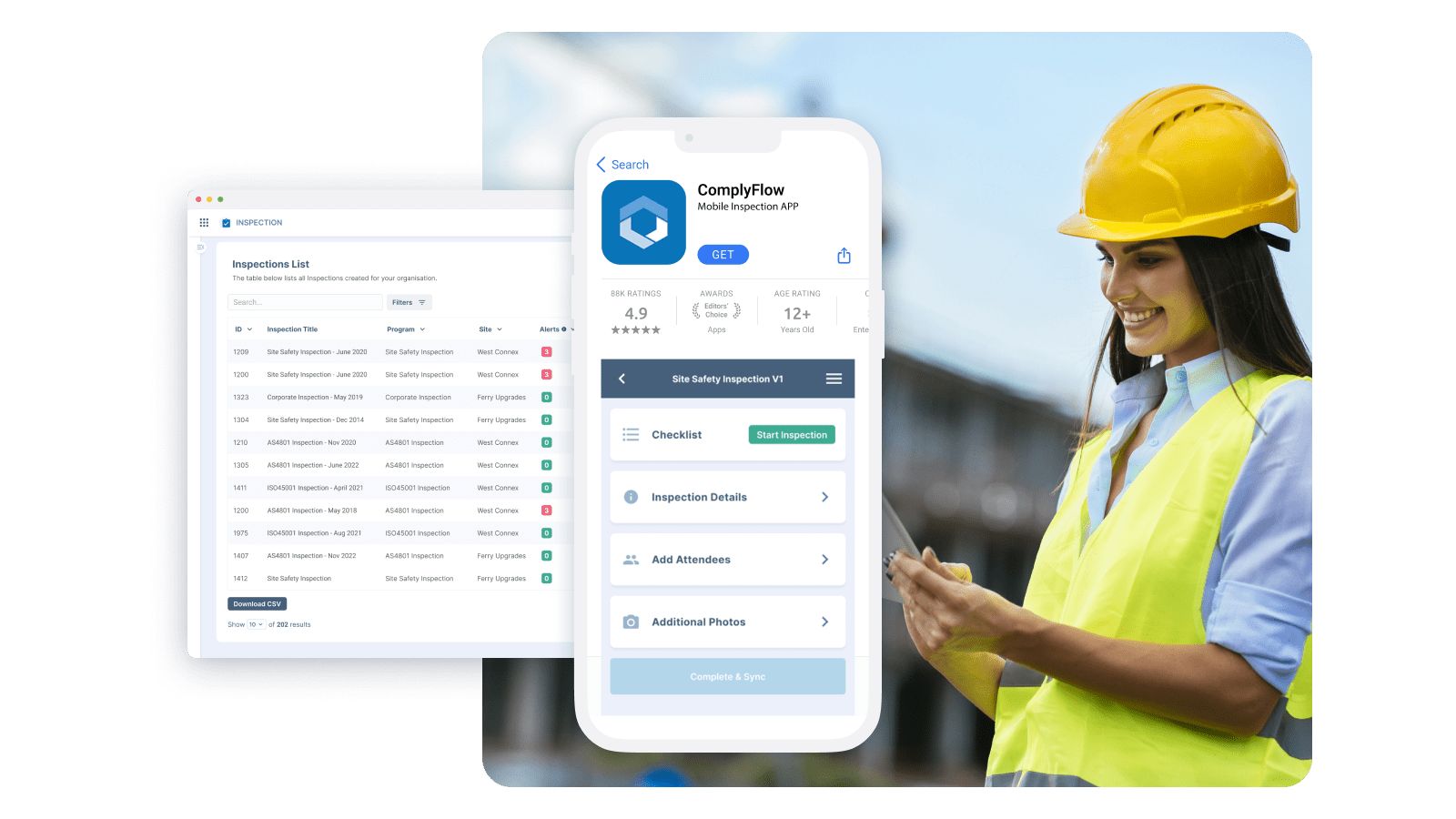
ComplyFlow is purpose-built for operational safety and compliance inspections, with a central web management portal and native mobile apps designed for frontline use. It supports offline inspections with automatic sync, configurable templates, scheduled inspection programs, and corrective actions within the same workflow. The platform offers 5 free users and 5 active templates, making it an accessible entry point for small teams with the scalability to support enterprise requirements as organisations grow.
Free Users 5 users
Offline Yes
Plant/Asset Inspections Full Plant & Vehicles module
Custom Templates Yes — configurable
Best for: Any industry requiring WHS compliance, including construction, manufacturing, and healthcare.
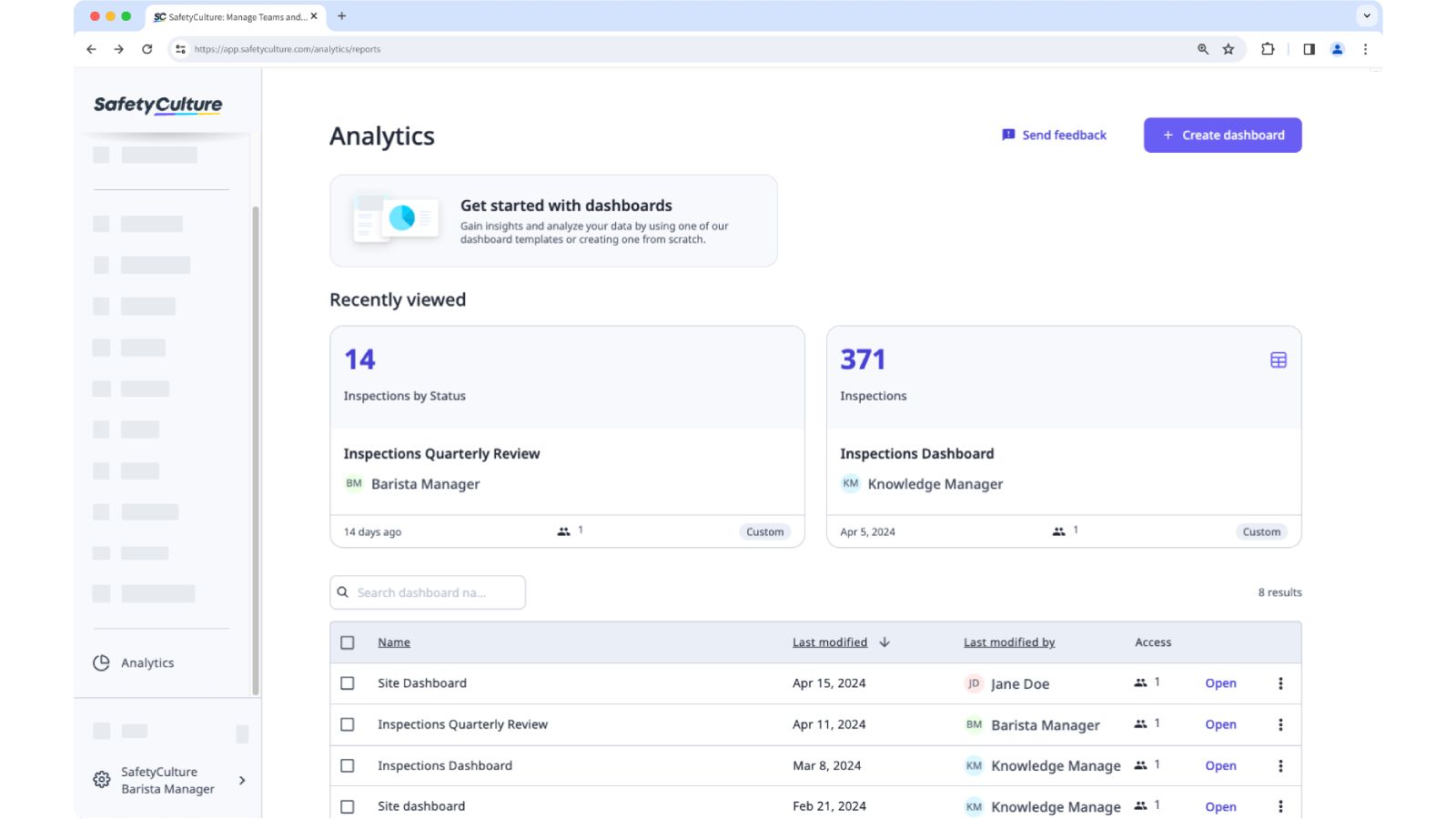
SafetyCulture remains a popular option for inspection checklists, offering a mature web app, reliable iOS/Android clients, and offline capture. The free plan allows up to 10 users with unlimited inspections, though it limits active templates to 5 and cloud storage to 5GB. The platform includes a vast template library (1,000+ options) and scheduling capabilities.
Free Users 10 users (3 devices)
Offline Yes
Plant/Asset Inspections Limited — basic digital asset register
Custom Templates Very strong — drag-and-drop builder
Known Limitations
3-device limit per user requires frequent logouts when switching devices
Limited report customisation options
Occasional syncing difficulties in areas with poor connectivity
Advanced features locked behind paid tiers ($24/user/month)
Free plan restricts inspection data retention to 3 years
Best for: Teams needing an extensive template library and proven mobile-first experience.
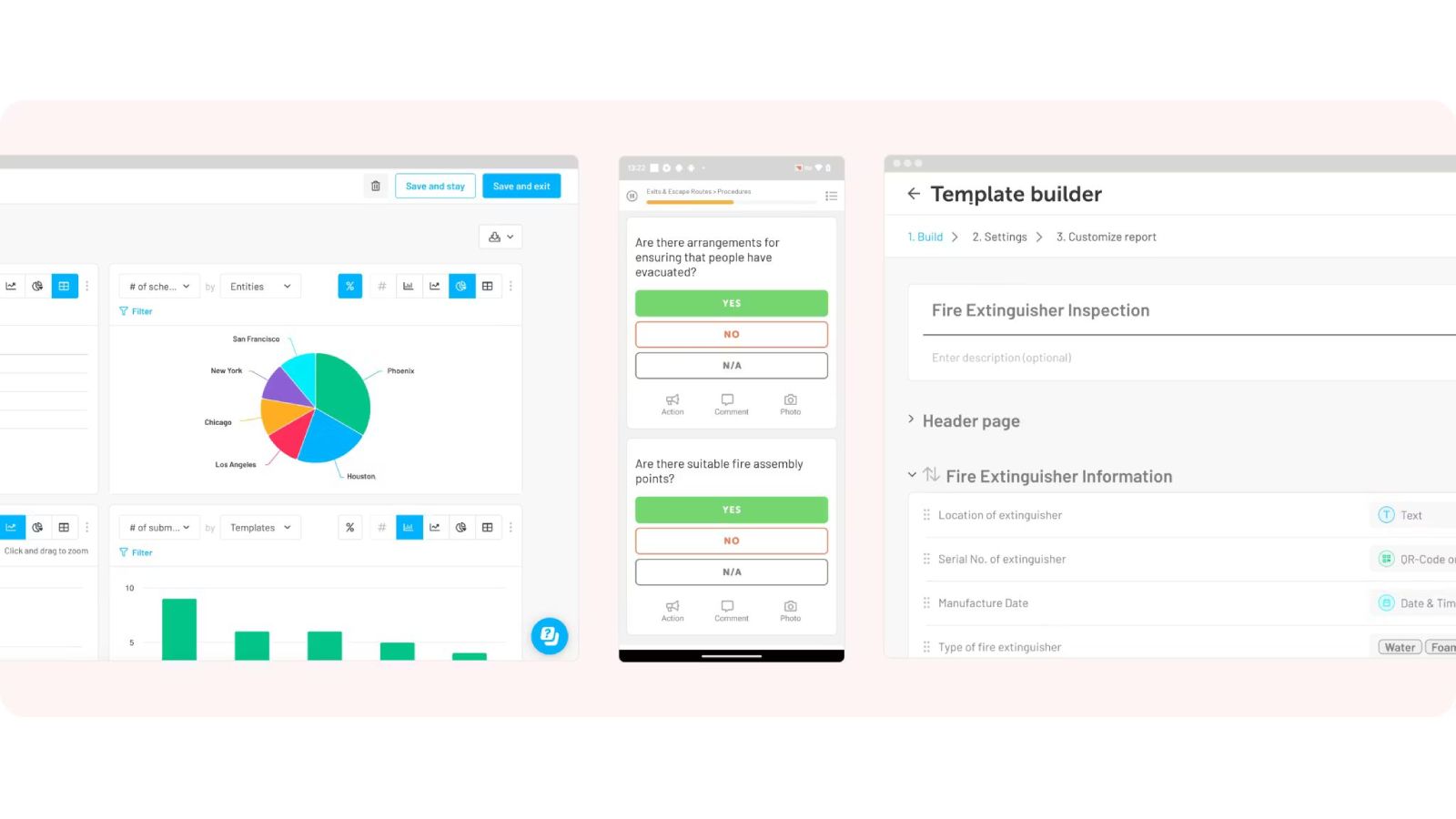
Lumiform offers a free-forever entry plan with a clean web platform and native apps, highlighting offline inspection work as a core capability. The template library includes 12,000+ starter checklists with a no-code builder for custom forms. The platform converts findings into tasks and corrective actions, with real-time reporting features.
Free Users Varies
Offline Yes
Plant/Asset Inspections Limited — via custom checklists
Custom Templates Yes — customisable checklists
Known Limitations
Vendor doesn't clearly publish free user caps — limits depend on usage
Customising multiple checklists and workflows can be time-consuming
Limited options for niche or legacy system integrations
Concerns about customer support responsiveness and auto-renewal subscription terms
Reporting interface could offer more customisation options
Best for: Teams wanting extensive pre-built templates with minimal setup.
Safesite is a safety-first inspection and hazard management platform with a free plan that includes mobile apps and a risk dashboard. The free tier allows unlimited members with some reporting limitations. Offline mode is supported across core features, and the platform includes toolbox talks, hazard management, and safety scoring functionality.
MaintainX is a CMMS/operations platform whose free tier includes checklists and inspection workflows via a mobile-first design with offline mode. The platform excels where inspections are tied to equipment, assets, or recurring maintenance. The free plan limitations are role-based rather than a simple user count.
Fiix offers a legitimately free CMMS plan with mobile offline access for field work. Teams can schedule preventive inspections, execute checklists on mobile, and turn non-conformances into work orders/corrective tasks. The platform is particularly suited for asset-heavy organisations.
Free Users Free tier
Offline Yes
Plant/Asset Inspections Limited — via work orders/PM
Custom Templates Moderate
Known Limitations
No standalone inspections module — inspections handled through checklists within work orders and PM tasks
Interface looks dated compared to modern maintenance systems
Navigation is challenging — users often memorise specific pathways
Implementation is complex and challenging
Reporting only available in Professional plan ($75/user/month) or higher
Some users report billing issues when attempting to cancel subscriptions
Best for: Asset-heavy organisations needing inspection within broader maintenance management.
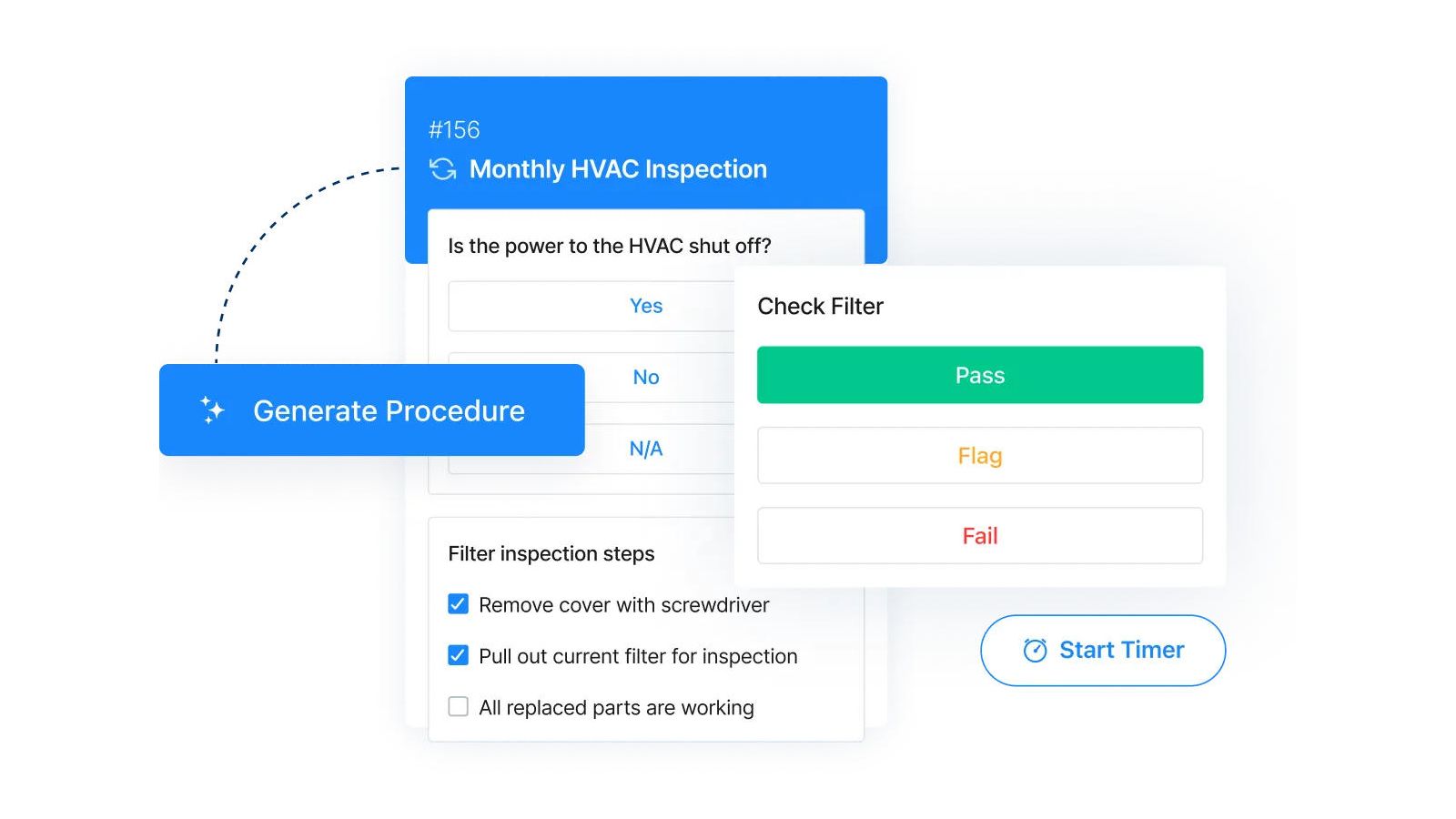
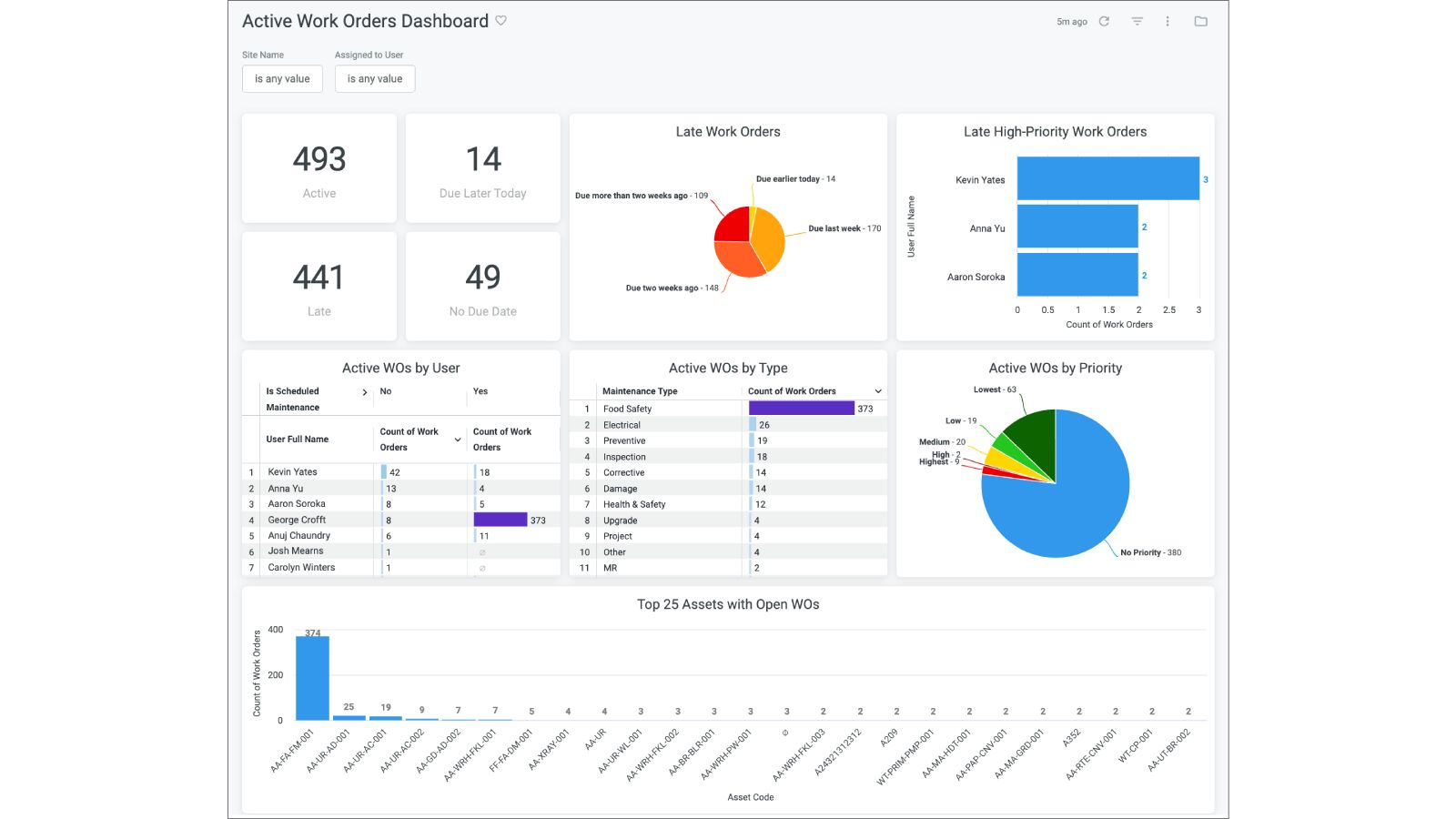
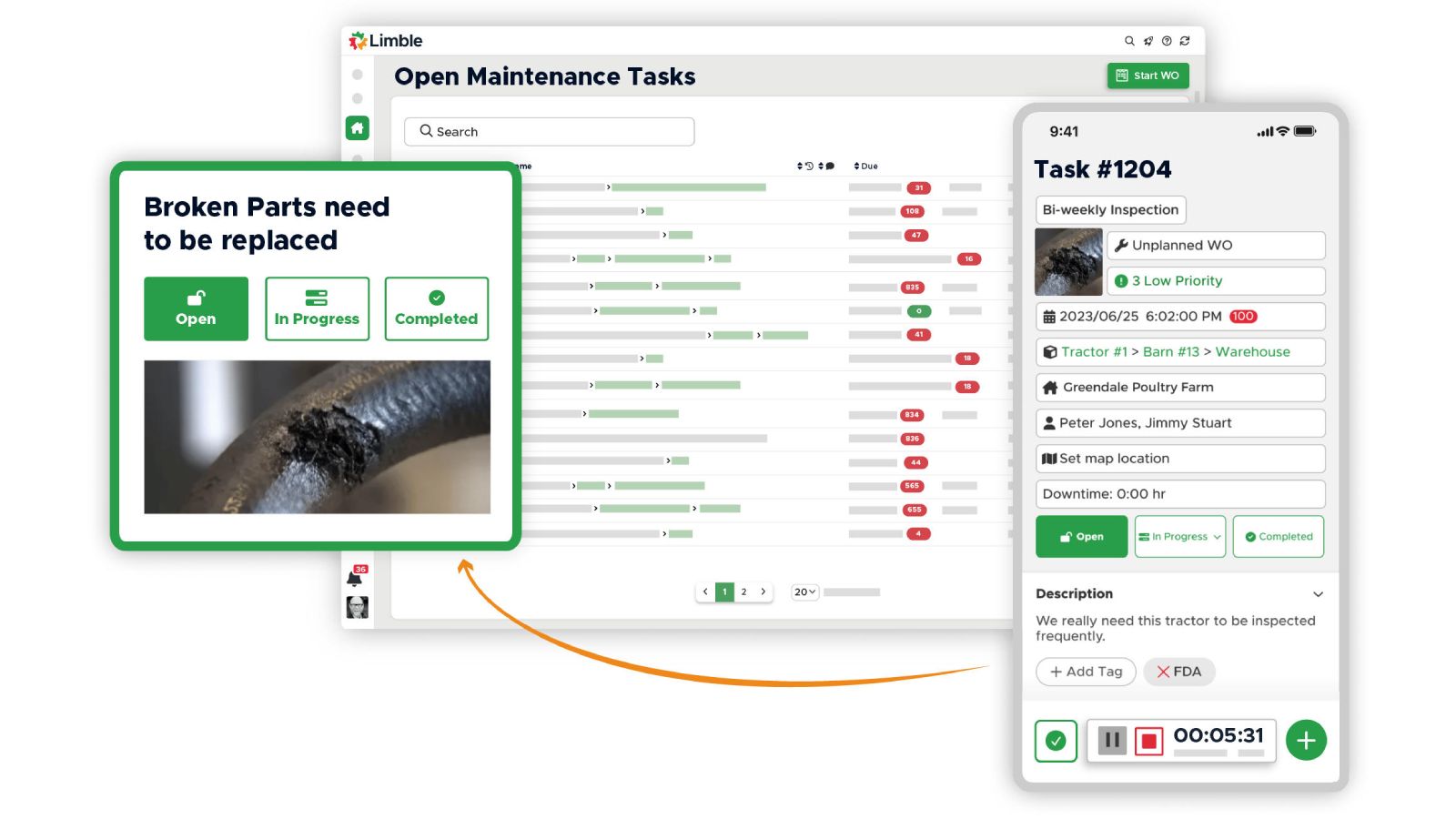
Limble's free offering centres on work orders, but inspections fit naturally via PM/checklist modules. The web platform and native apps support offline work with automatic syncing. The platform is popular for 'inspection to action' loops in maintenance environments, with QR-driven task initiation.
Free Users Free tier
Offline Limited
Plant/Asset Inspections Yes — comprehensive
Custom Templates Moderate
Known Limitations
Free plan is limited in scope — paid plans start at $28/user/month
Offline mode is very limited — only access to work order information
Mobile app can be buggy
Report generation lacking basic reports (open work orders, asset lists)
System can be slow to update and glitchy in minor ways
Parts reception workflow requires navigating between two separate panels
Best for: Teams wanting user-friendly maintenance management with inspection capabilities.
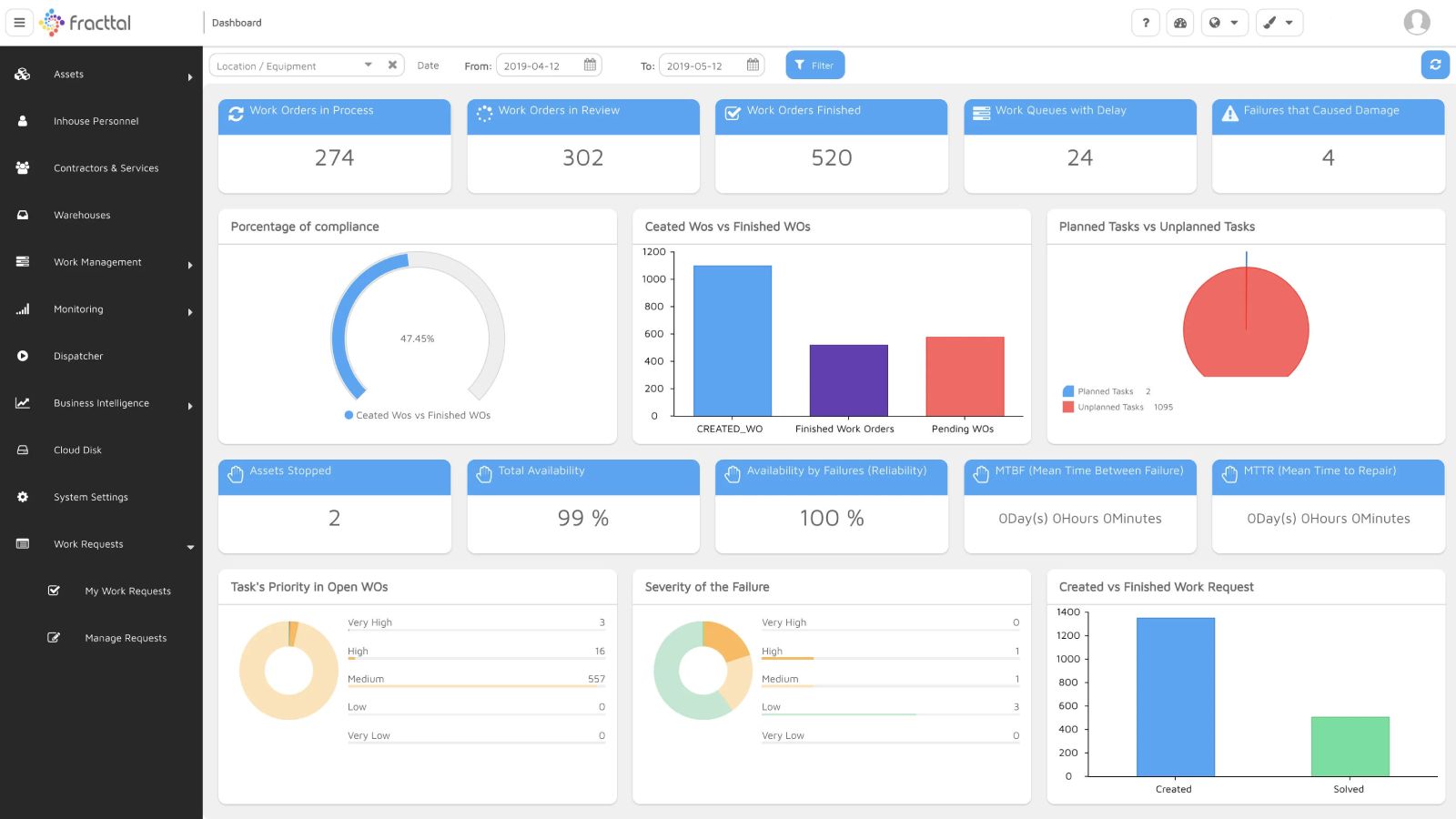
Fracttal One is a cloud-based CMMS with a free tier and strong mobile offline capabilities. It supports preventive scheduling and tasking, with mobile apps built for field data capture synced to a web admin portal. The platform includes IoT integration for predictive maintenance.
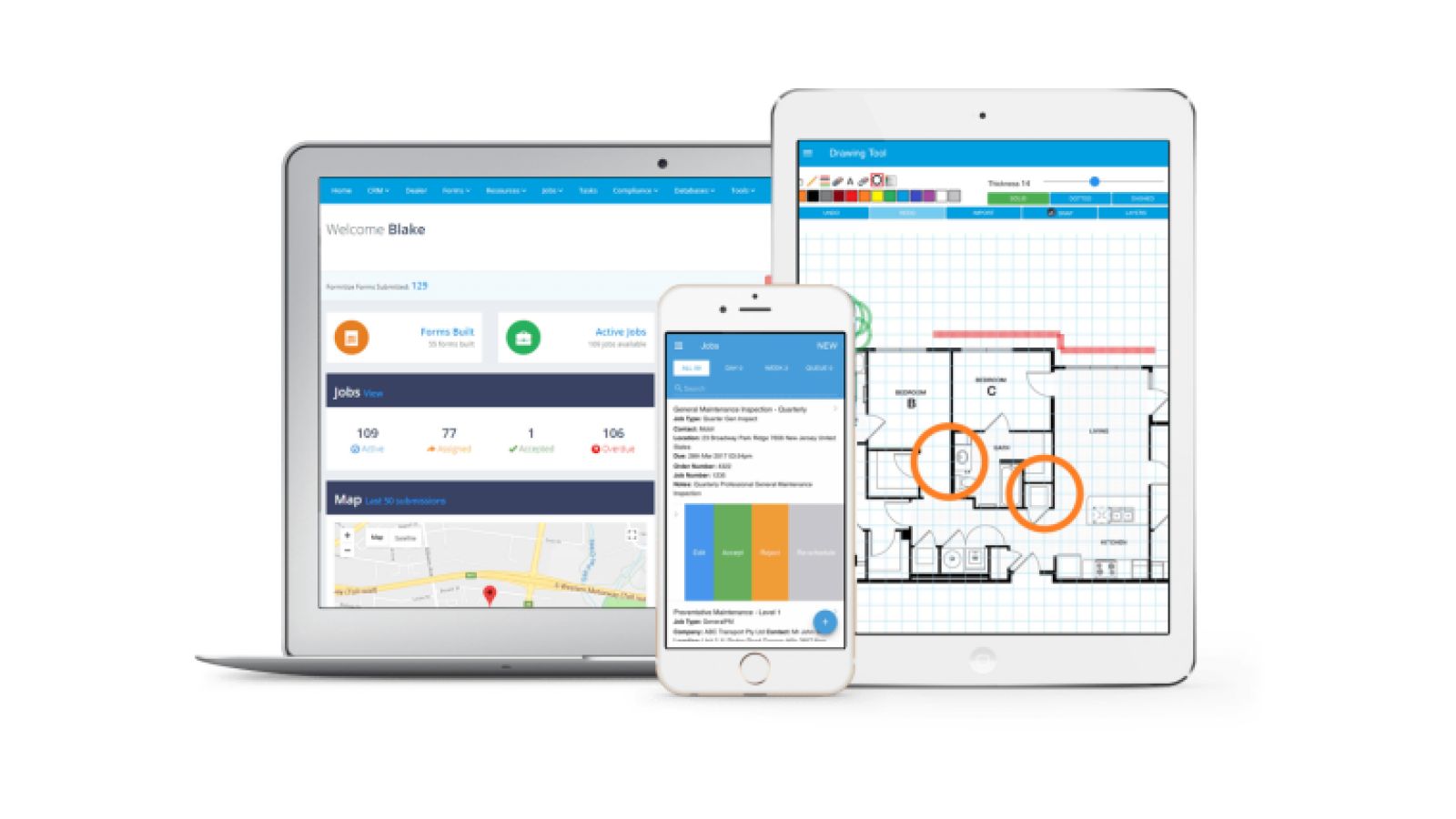
Formitize is a powerful inspection/forms platform with a management portal, native apps, and documented offline mode. It's especially strong for highly customised inspection reporting in building, pest control, fire, and service industries. Note: Formitize is trial-based only (14 days), not free-forever.
Free Users Trial only
Offline Yes
Plant/Asset Inspections Yes — asset and site inspections
Custom Templates Very strong — highly customisable
Known Limitations
No free tier — 14-day trial only, then $29.99/user/month
Very difficult to implement, particularly for custom forms
Training described as inadequate by some reviewers
Terminology and setup process can be difficult to understand
Support quality has reportedly declined in recent months
Strict refund policies reported by some users
Best for: Pest control, building inspection, and service businesses willing to invest time in setup.
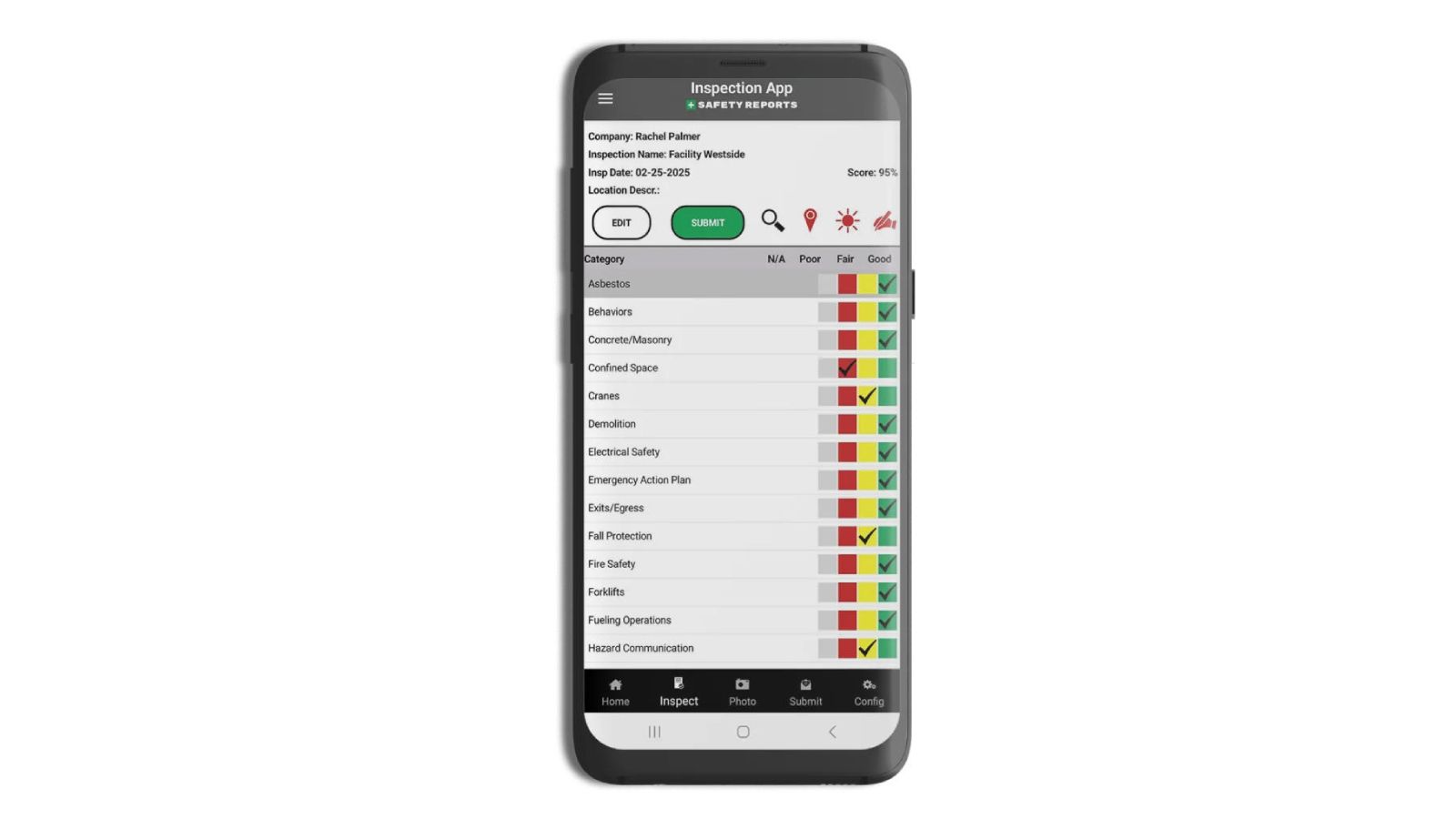
Safety Reports provides standards-driven inspection checklists with web reporting and mobile apps supporting offline inspections. It's well-known in construction safety for tying findings to follow-ups and maintaining defensible records. The platform includes pre-loaded OSHA checklists and corrective action tracking. Note: Paid tiers with trial available, not free-forever.
Limitations and user feedback were sourced from verified reviews on Capterra, G2, Software Advice, GetApp, TrustRadius, and Trustpilot (December 2025). All claims have been cross-referenced where possible.
Frequently Asked Questions
What is the best free inspection app for small teams in 2026?
ComplyFlow offers 5 free users with offline inspections, configurable templates, scheduling, and corrective actions — making it ideal for small teams needing WHS compliance. SafetyCulture allows up to 10 users (3 devices) on its free plan with a large template library.
Which free inspection apps work offline?
ComplyFlow, SafetyCulture, Lumiform, MaintainX, and Fiix CMMS all support offline inspections on their free tiers. Limble CMMS has limited offline mode, while Safesite and Fracttal One require stable internet connectivity.
Is there a truly free-forever inspection app?
Yes. ComplyFlow (5 users), SafetyCulture (10 users/3 devices), Lumiform, Safesite (unlimited users), and MaintainX all offer free-forever plans. Fiix CMMS, Limble CMMS, and Fracttal One offer free CMMS tiers. Formitize and Safety Reports are trial-only.
Ready to get started?
Try ComplyFlow free with 5 users and see why Australian safety teams trust us for their compliance needs.
Pricing and features are accurate as of December 2025 and may change. Always verify current offerings directly with vendors before making purchasing decisions. User experiences vary based on industry, team size, and specific use cases. This guide aims to provide balanced information to help teams make informed decisions.